27
Setup
Setup - Font
BMP71 User’s Manual
Setup
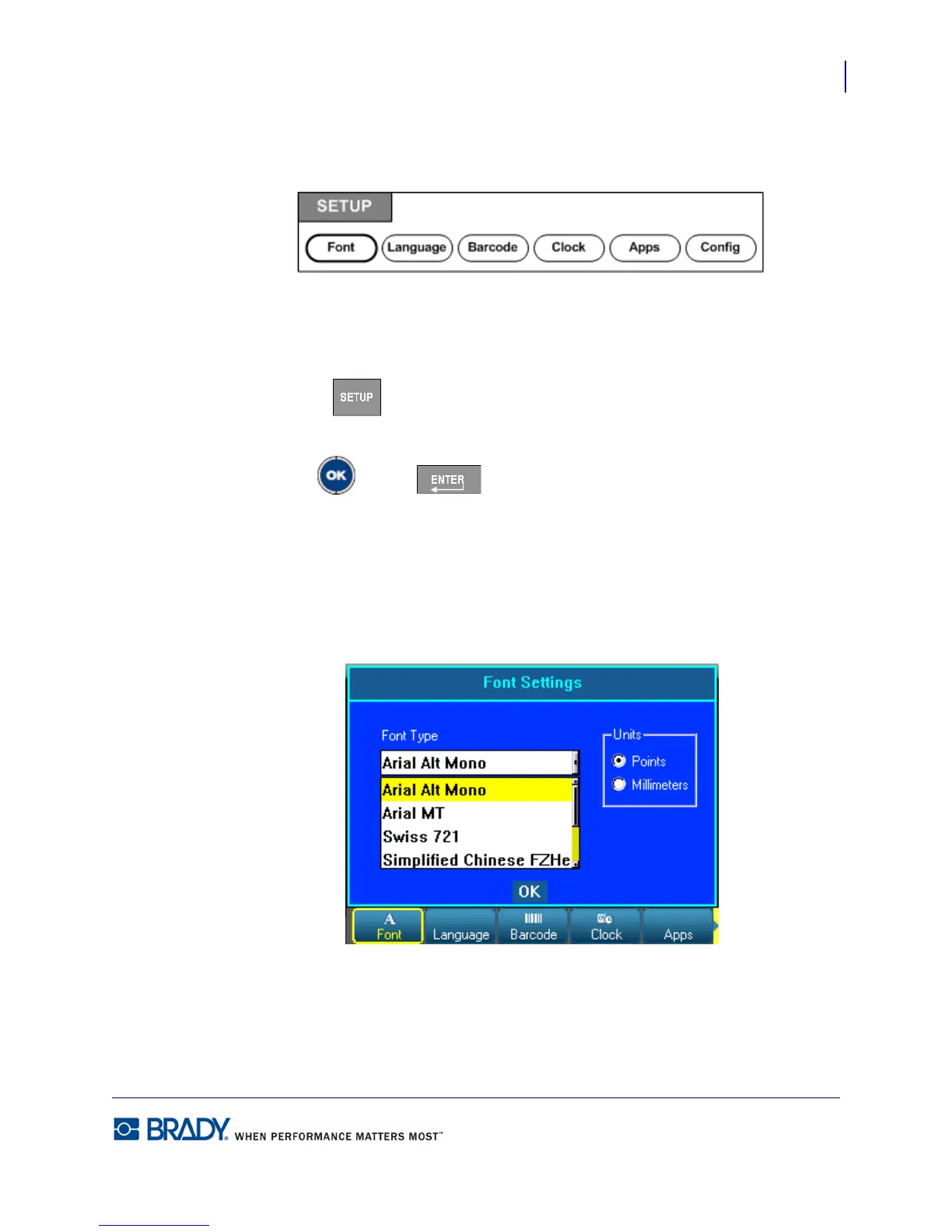
Figure 5 • Setup menu options
The Setup function key is used to determine the default settings for the printer. To change
Setup functions:
1. Press Setup .
2. Using navigation keys, choose the setup function to change.
3. Press OK or Enter .
A dialog box associated with that particular Setup function displays.
Setup - Font
The following settings can be found under the Font menu in the Setup function.
Figure 6 • Font settings in Setup function
Only one font type can be selected per label file. The editing screen must be cleared for font
type changes to be applied.



 To Next Page