51
Formatting
Symbols
BMP71 User’s Manual
Symbols
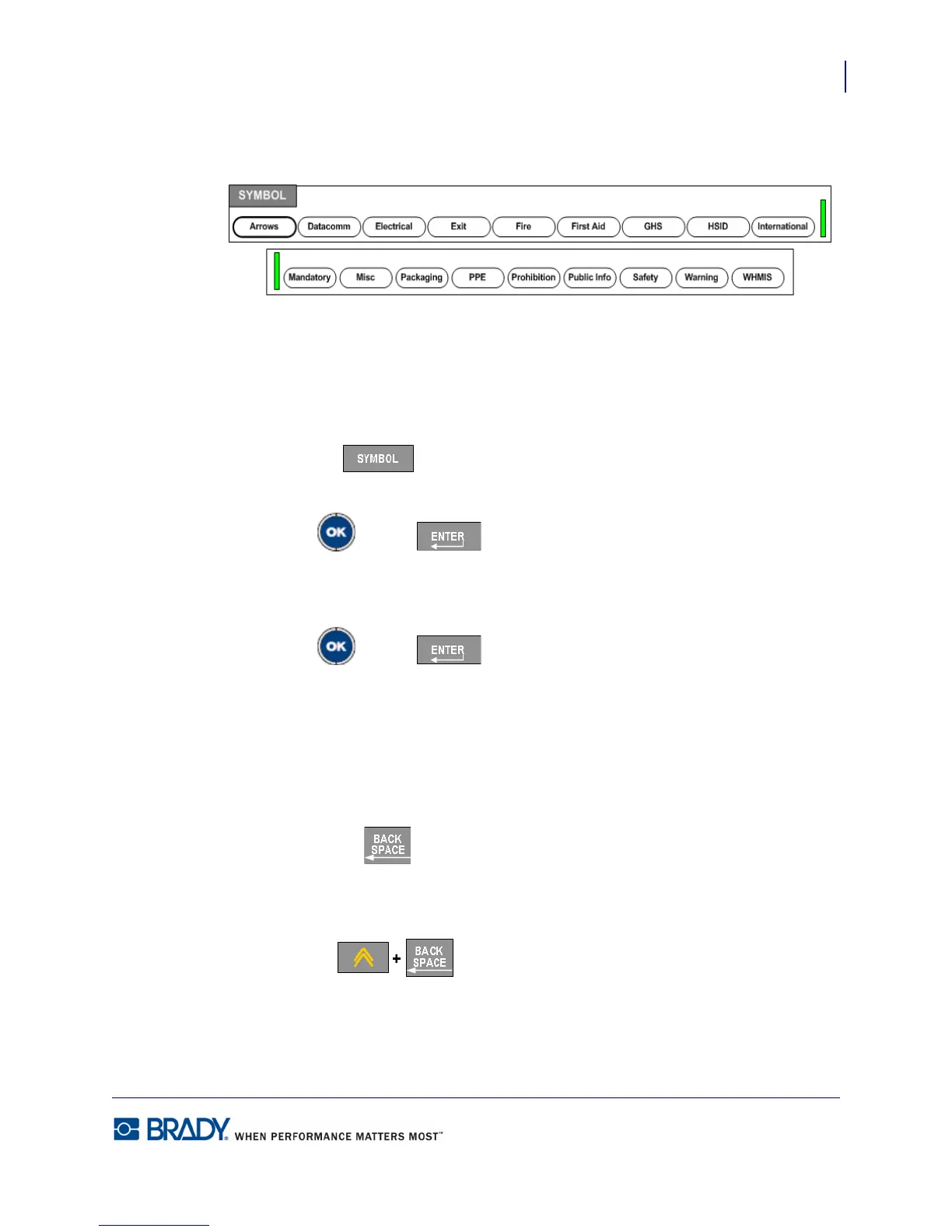
Figure 18 • Symbol categories
The BMP71 printer contains hundreds of symbols (graphics) that can be used for a variety of
applications. To add a symbol to the label:
1. Position the cursor at the point where you want the symbol to display.
2. Press Symbol .
3. Choose the symbol category.
4. Press OK or Enter .
A symbols grid displays.
5. Using navigation keys, select the desired symbol.
6. Press OK or Enter .
The symbol displays with the same font size that is currently in use.
Remove a Symbol
The symbol is the same as any other character. To remove a symbol:
1. Postion the cursor to the right of the symbol.
2. Press Backspace .
OR
3. Positon the cursor to the left of the symbol.
4. Press Delete .



 To Next Page