Keypad
Function Keys
20
BMP71 User’s Manual
Function Keys
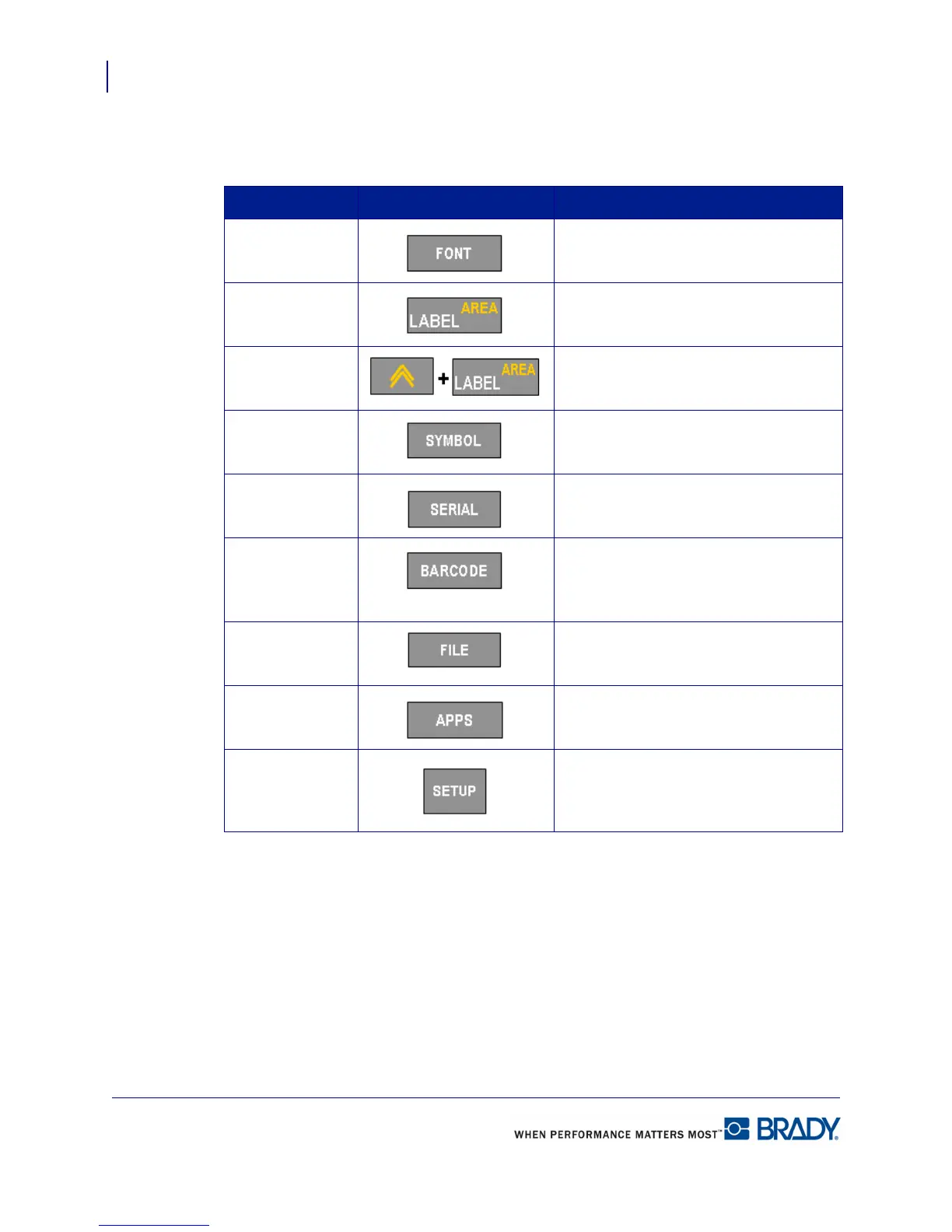
Function Key Description
Font Provides font sizes and attributes (such
as bold and italics).
Label Adds, removes, and formats labels.
Area Adds, removes, and formats areas on a
label.
Symbol Accesses the various symbols
(graphics) available in the printer.
Serial Sets the values for creation of single,
multiple, or linked serializations.
Barcode Places a text string in Barcode format.
The barcode acts as a toggle to turn
the barcode format on and off.
File Saves, opens, or deletes a label file.
Apps Accesses the different applications/
label types installed.
Setup Defines the printer’s default
parameters and activates specific
applications.



 To Next Page