41
Getting Started
Printing a Label
BMP71 User’s Manual
To turn autosize on (if not already on):
1. Press Font .
2. Choose Size>Auto.
3. Press OK or Enter ..
Autosize remains on for the entire area or label, until a differnt font size is selected. However,
after being turned off, any previous text entered using autosize retains the size generated by
autosize.
Printing a Label
To print a label file:
1. Press Print .
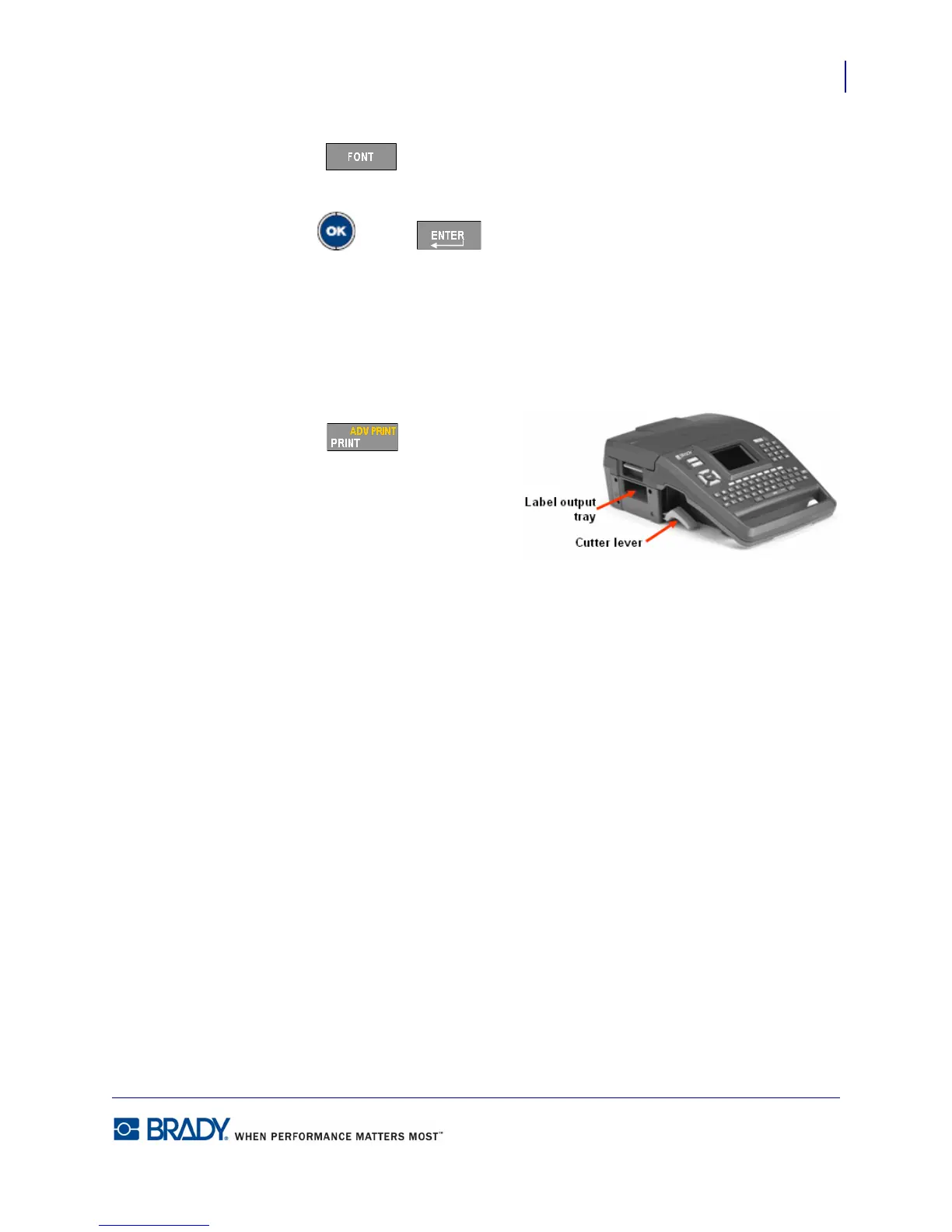
After printing, to cut the label:
2. Pull the cutter lever up as far as it will
go.
Printing from the BMP71 printer occurs in
the background, meaning you can continue to edit or create new labels while the file is
printing.



 To Next Page