Ribbon
Unloading a Ribbon
12
BMP71 User’s Manual
Unloading a Ribbon
If the ribbon is spent, recycle the ribbon cartridge according to local regulations.
The ribbon gauge at the bottom of the status window indicates how much ribbon remains.
Store this ribbon in a cool, dry place. Unused ribbon will last up to six months before
deterioration sets in.
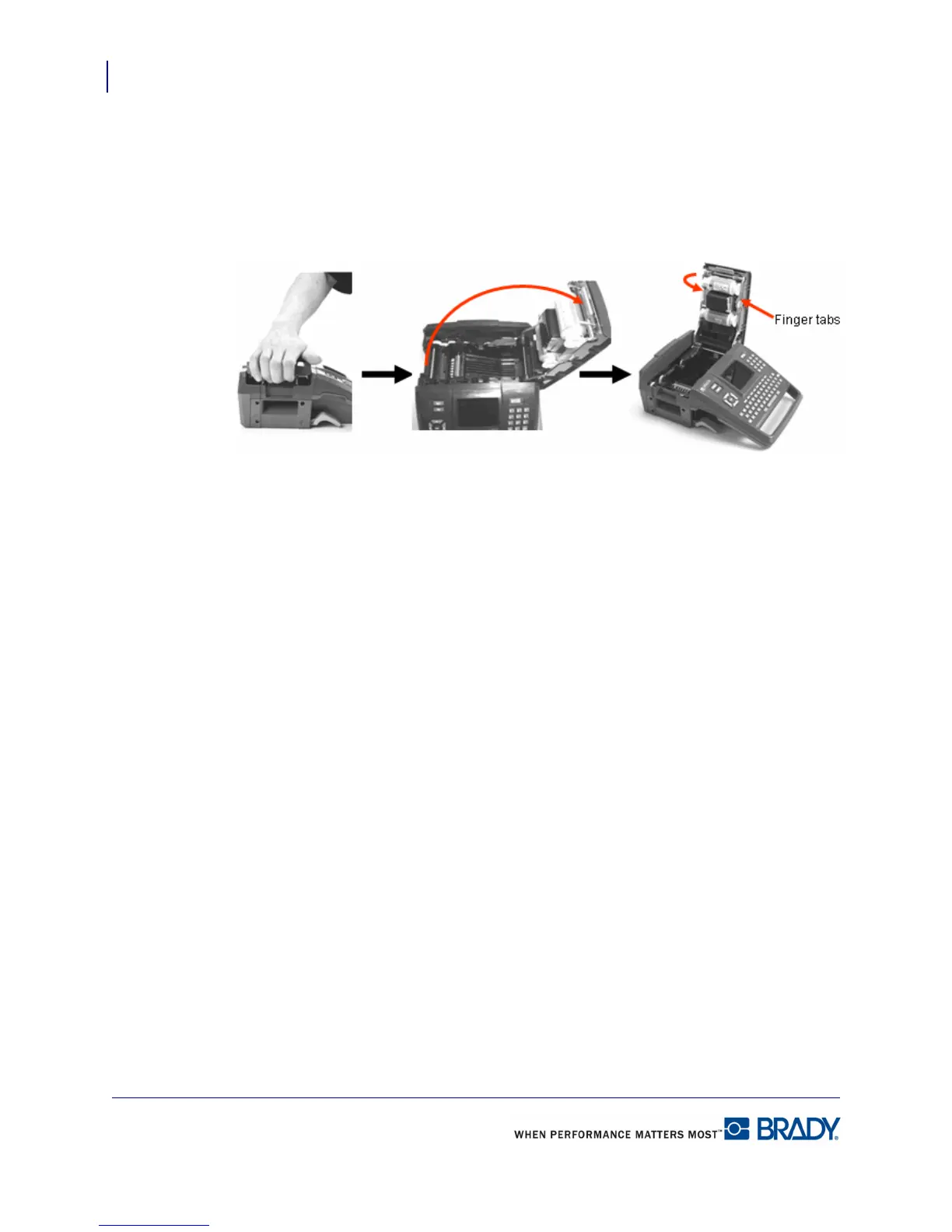
1. Pull up on cover
latch.
2. Open the cover. 3. Grasping finger tabs of cartridge,
pull cartridge out of the ribbon
compartment.



 To Next Page