Printing
Adv Print
82
BMP71 User’s Manual
To print directly from Print Preview:
1. Press Print .
To exit Print Preview and return to the editing screen:
1. Press Clear/Esc .
You are returned to the editing screen.
Scrolling in Print Preview
If a label file is particularly long it may not be completely visible on one screen in print
preview. The Print Preview screen displays left/right or up/down scroll bars indicating there is
more data to view. To scroll through a preview of a long label or multiple labels:
1. Press left/right or up/down navigation keys, as applicable.
Adv Print
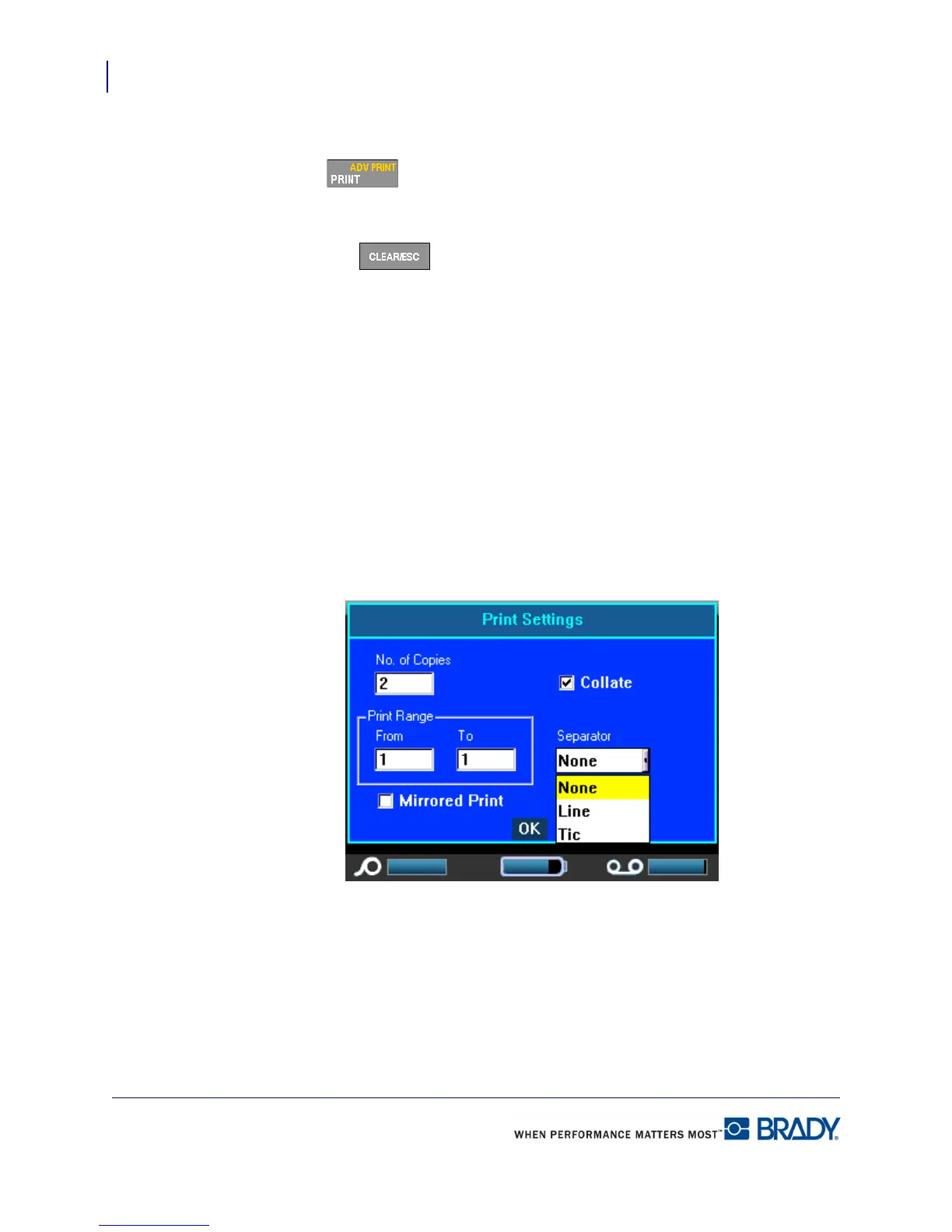
Pressing the Adv Print key brings up a menu displaying the following options:



 To Next Page