85
Applications
Accessing an Application
BMP71 User’s Manual
Applications
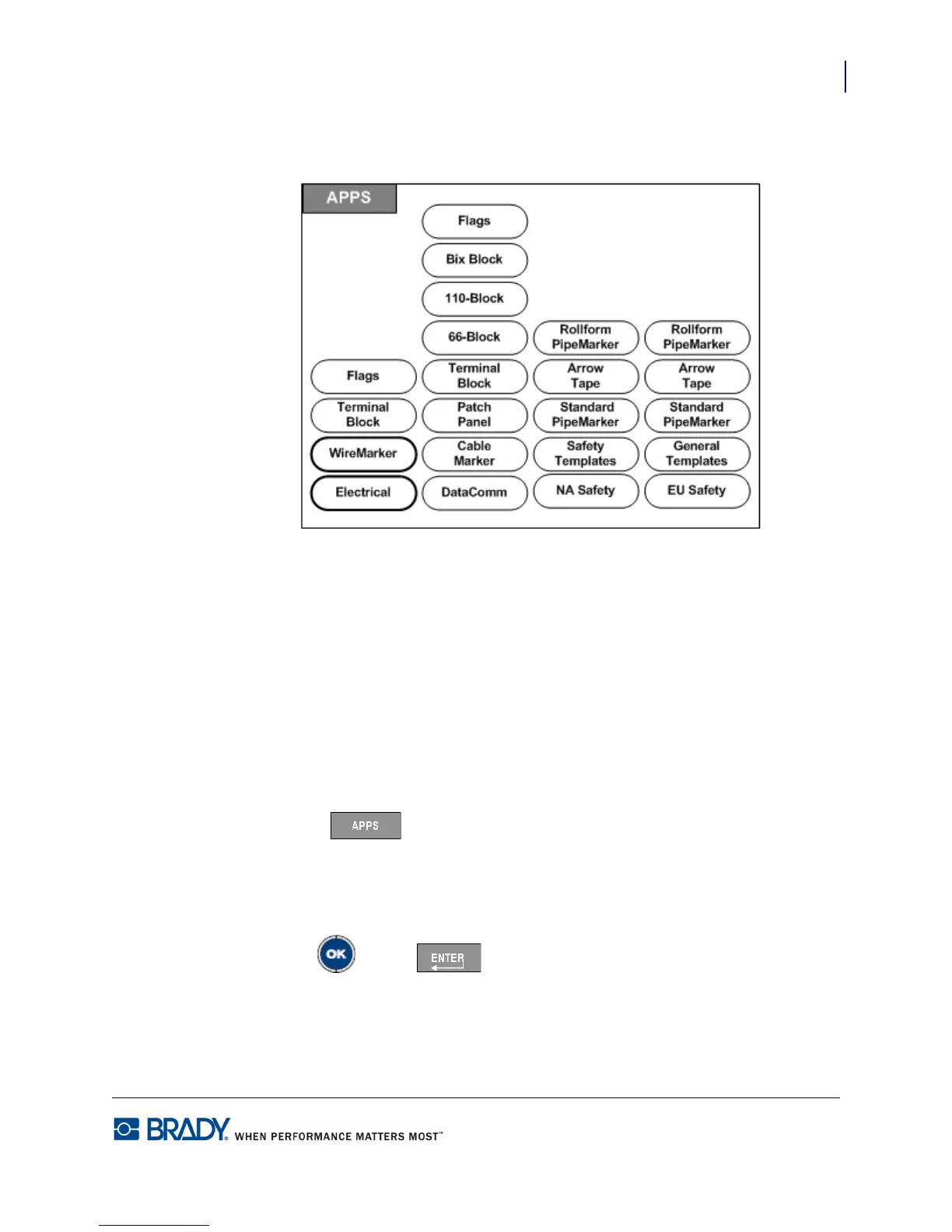
Figure 30 • Apps menu options
General mode contains standard functions and formats used for most generic labels.
Applications, however, provide templates that guide and control the layout for specific label
types.
Currently, there are three categories available for the BMP71 printer (Electrical, DataComm,
and Safety), each containing various applications.
Accessing an Application
To work with an application:
1. Press Apps .
A menu displays indicating the available categories. Only those categories enabled in the
Setup function are displayed. (See “Setup Apps” on page 30 for more information.)
2. Choose the desired category and application.
3. Press OK or Enter .



 To Next Page