31
Setup
Setup Apps
BMP71 User’s Manual
.
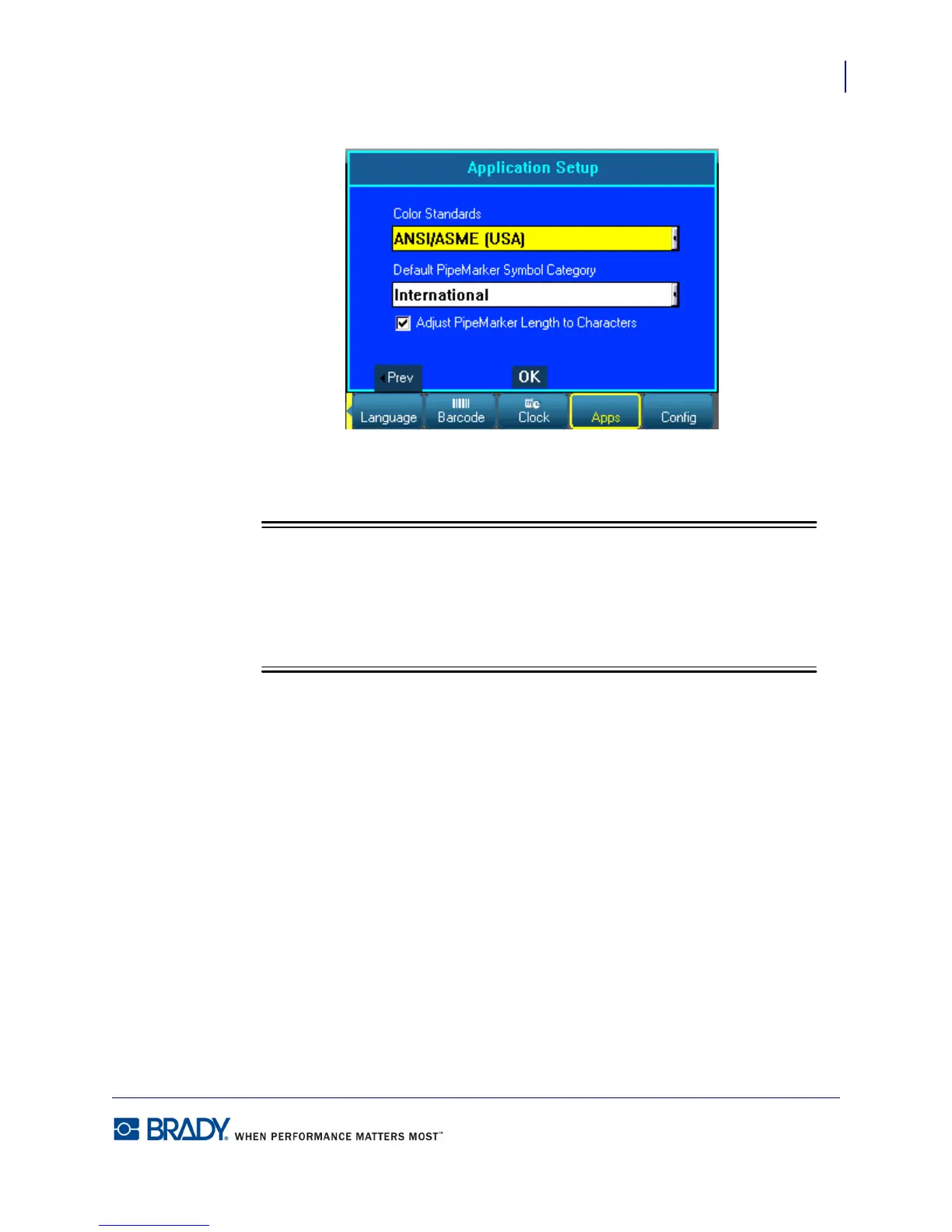
Figure 11 • Apps settings in Setup function - second screen
Color Standards refers to the country-defined color norms for pipemarker labels.
Setting the Default PipeMarker Symbol Category is a convenient way to have the
the symbols most often used when creating PipeMarkers readily available. You can,
however, select a different category at any time when in the PipeMarker
applications.



 To Next Page