107
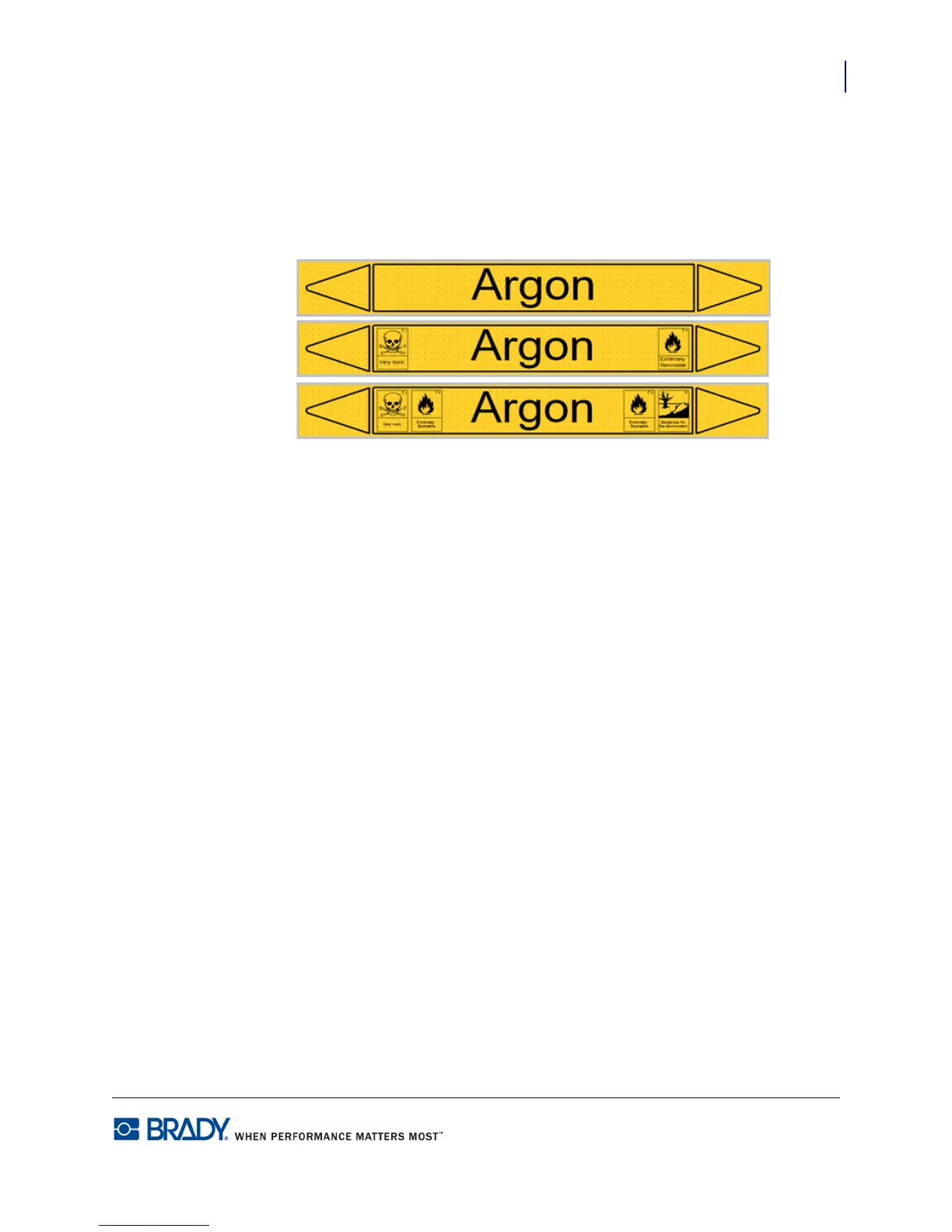
Standard PipeMarker
Adding Labels and Areas in Applications
BMP71 User’s Manual
You can always go back to the previous dialog box by selecting the lower left button on the
screen (i.e., Set Type, Set Contents, etc.)
The label displays in a preview mode on the screen. Use the navigation keys to view the
contents of the entire label.
Figure 38 • Examples of Standard PipeMarkers



 To Next Page