109
Arrow Tape
Adding Labels and Areas in Applications
BMP71 User’s Manual
6. In the Type field, from the drop down list, select the type of graphic (arrow or symbol) to
be placed on the label.
If an arrow is selected, proceed to Step 14.
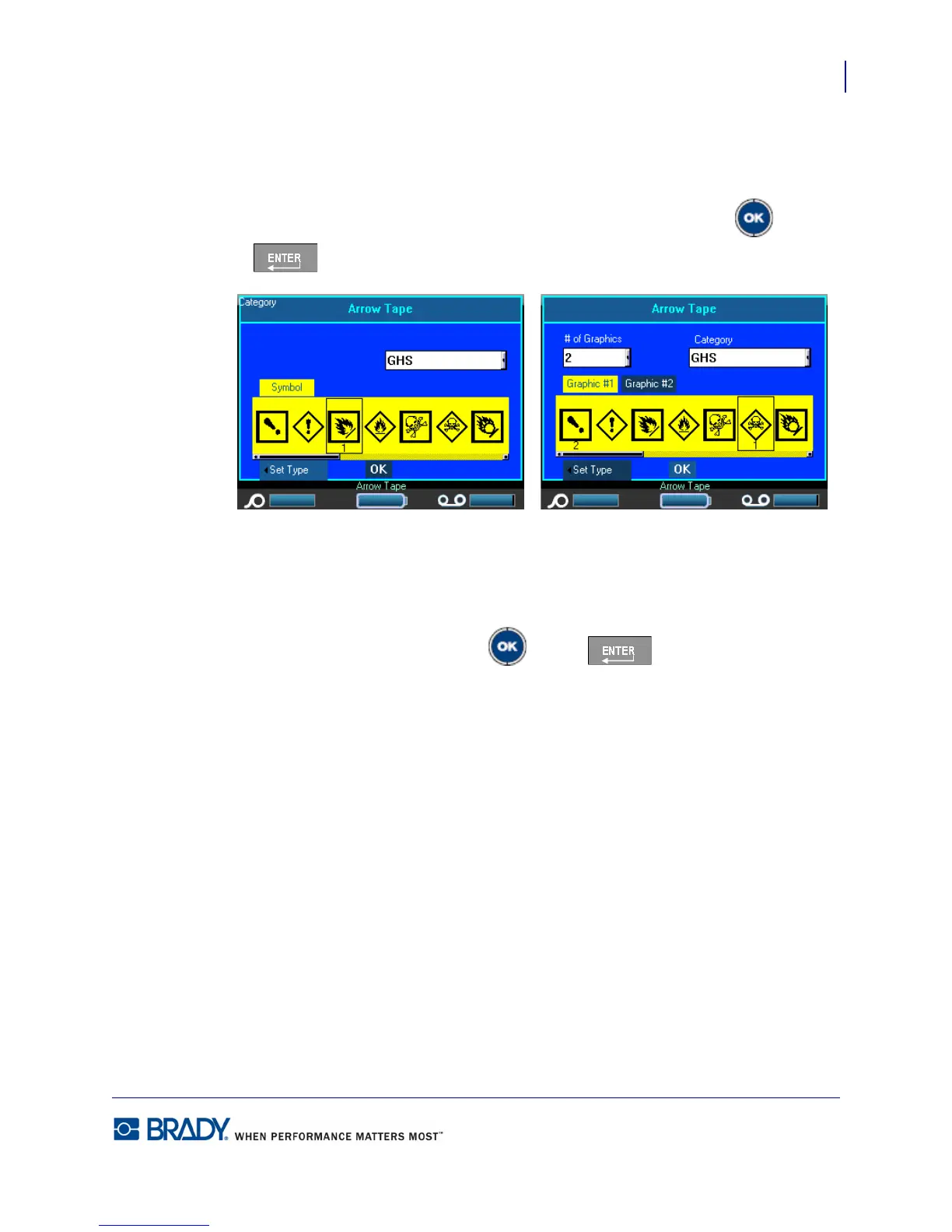
7. If a Symbol is selected, navigate to the Set Graphics button and press OK or Enter
.
If using NA Safety>Arrow Tape, proceed to Step 9.
8. In the # of Graphics field, press OK or Enter to access the drop down list
and select the number of graphics to display (up to 4).
The Category field displays the default symbol category determined in Setup>Apps. (See
“Setup Apps” on page 30 for more information.)
NA Safety>Arrow Tape - screen 2 EU Safety>Arrow Tape - screen 2



 To Next Page