Patch Panel
Adding Labels and Areas in Applications
96
BMP71 User’s Manual
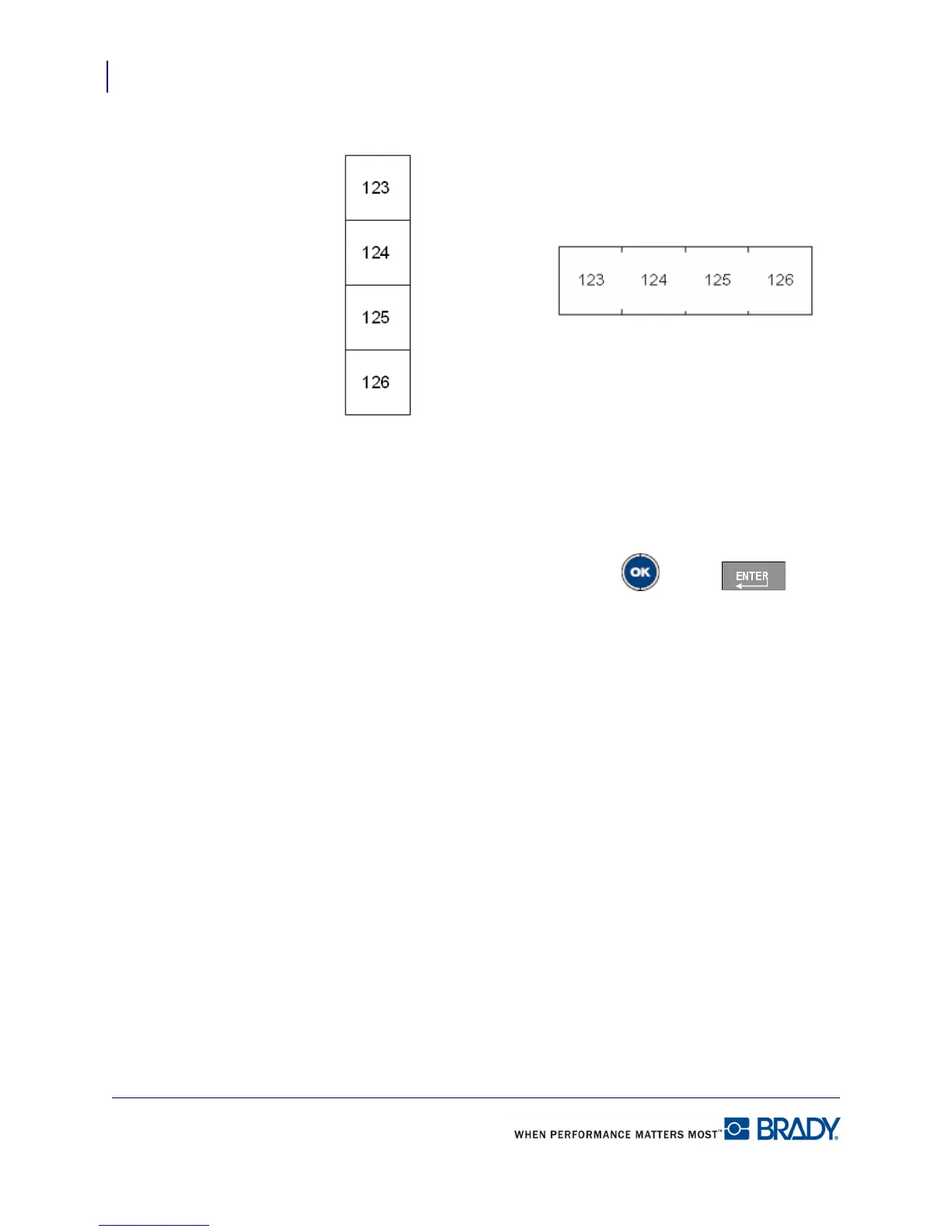
7. In the Separator field, from the drop down list, select the separator to use.
Figure 35 • Separators and orientation
8. In the Orientation field, from the drop down list, select the orientation to use.
9. When finished, navigate to the OK button and press OK or Enter .
If the Serialize option box is checked, the Serial dialog box displays.
10. Complete the Serialization. (See “Add Serialization” on page 74 for more information.)
Patch Panel blocks are created as labels, with the serialization characters displayed on each
label.
If serialization was not used, on the Editing screen, enter unique data for each label, using [Alt
+ Up/Down] navigation key to move to the different labels.
Use Print Preview to view the labels before printing.
Line Separator, Vertical Orientation Tic Separator, Horizontal Orientation



 To Next Page