101
Safety Templates
Adding Labels and Areas in Applications
BMP71 User’s Manual
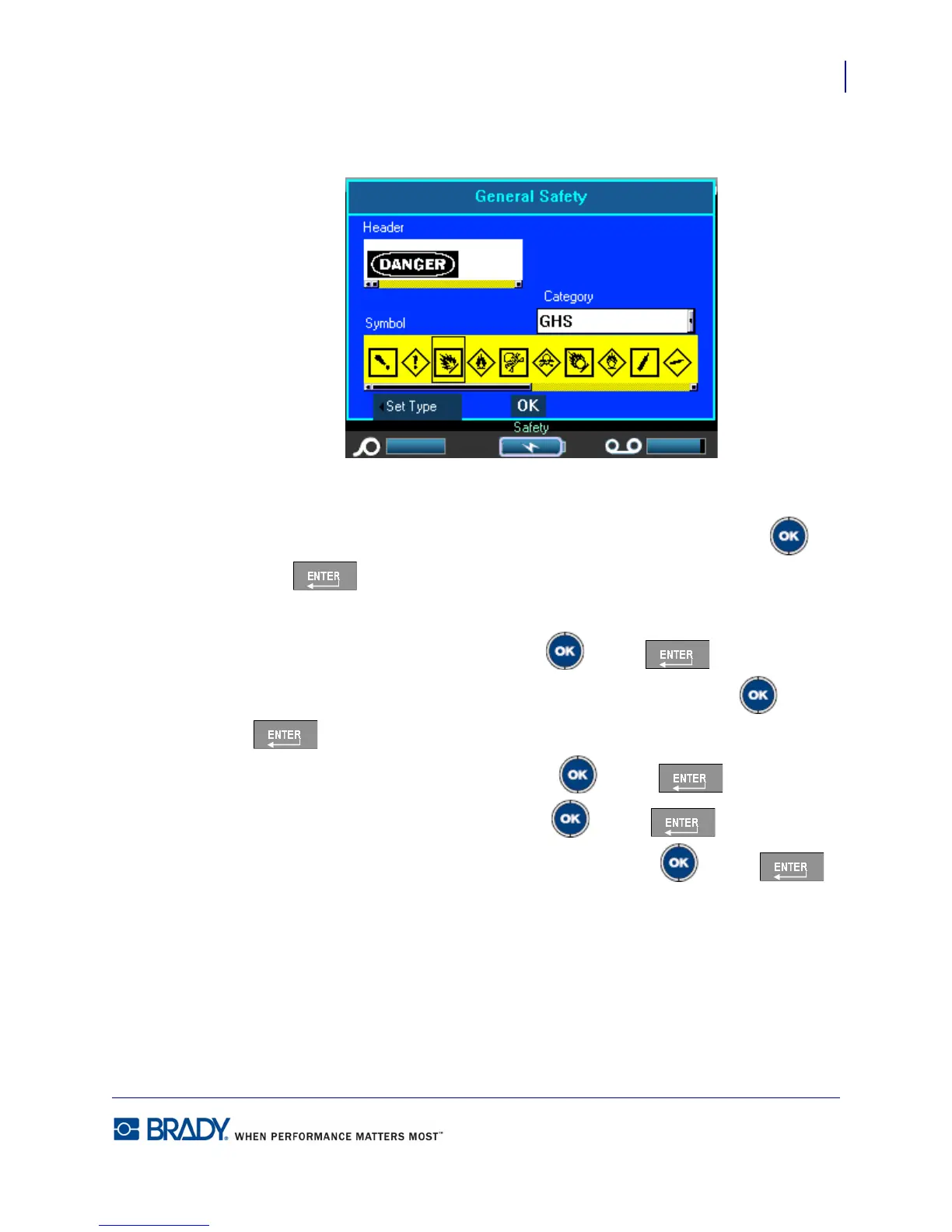
The following dialog box displays.
If the template chosen contains header information:
6. Use the Left/Right navigation keys to access the desired header, then press OK or
Enter
If the template chosen contains a graphic:
7. Navigate to the Category field and press OK or Enter .
8. From the drop down list, select the symbol category desired and press OK or Enter
.
9. Navigate to the Graphic #1 field and press OK or Enter .
10. Navigate to the desired symbol and press OK or Enter .
11. When finished, navigate to the OK button and press Press OK or Enter .
Use Print Preview to view the finished label before printing.



 To Next Page