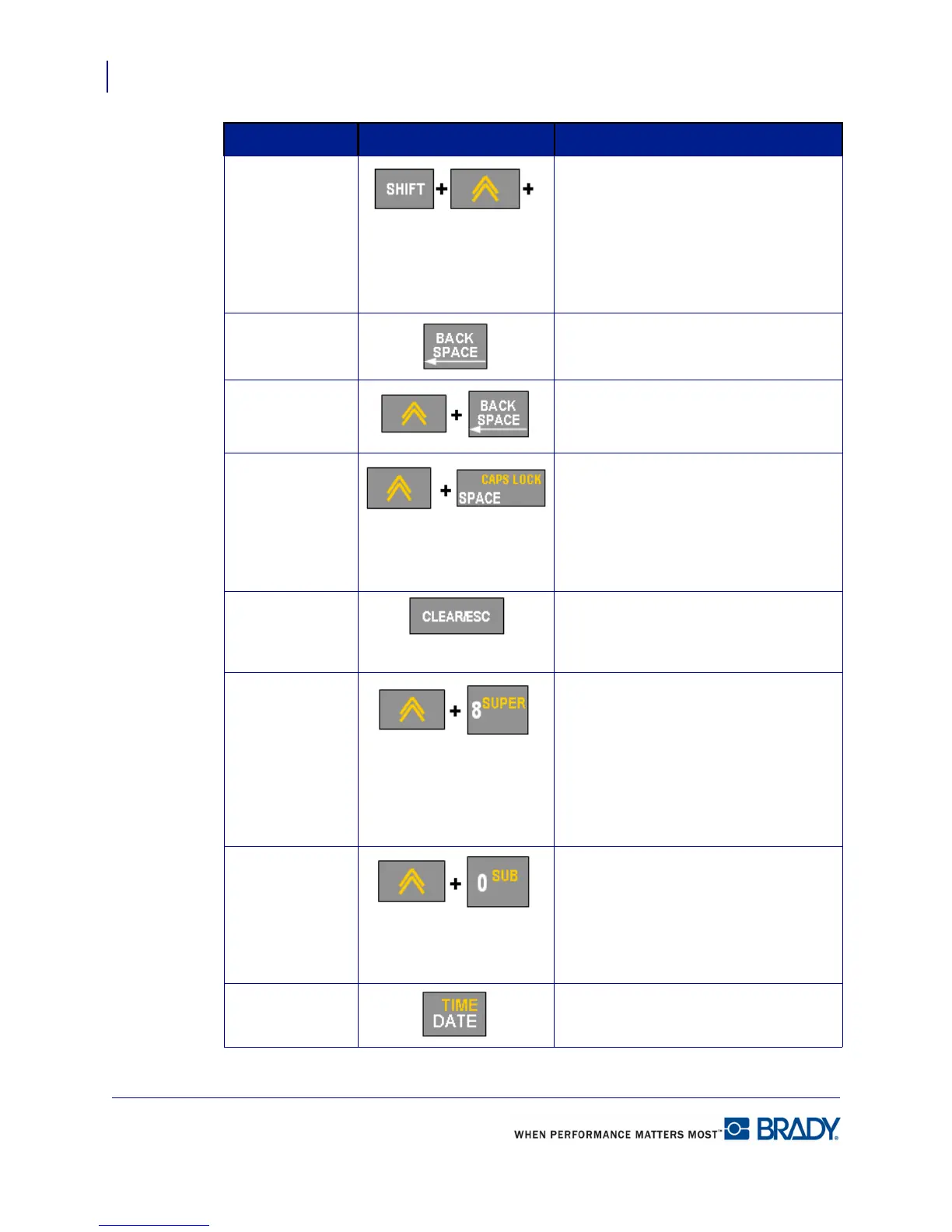
Keypad
Navigation and Editing Keys
18
BMP71 User’s Manual
Shift + Alt Used together with an alpha key to
access the top special character when
two special characters exist on the key.
Note: for accented letters, press
Shift+Alt+Special Character, then type
the letter.
Backspace Removes characters one at a time,
moving to the left.
Delete Removes characters one at a time,
moving to the right.
Caps Lock
(except for
QWERTY
Americas)
Acts as a toggle to lock text into upper-
or lowercase as data is entered.
Note: Because text defaults to
uppercase, use the Caps Lock to
switch to lowercase.
Clear/Esc
• Clears data from the screen.
• Cancels menu options and
functions.
Superscript
• Places the next typed character in
superscript format, displaying
slightly above the line of text.
• Will place multiple characters in
superscript if the characters are
highlighted first. (Refer to
page 47 for
information on highlighting
characters.)
Subscript
• Places the next typed character in
subscript format, displaying slightly
below the line of text.
• Will place multiple characters in
subscript if the characters are
highlighted first.
Date Inserts the current date, as set on the
printer.
Function Key Description



 To Next Page