Labels and Areas
Vertical Text
66
BMP71 User’s Manual
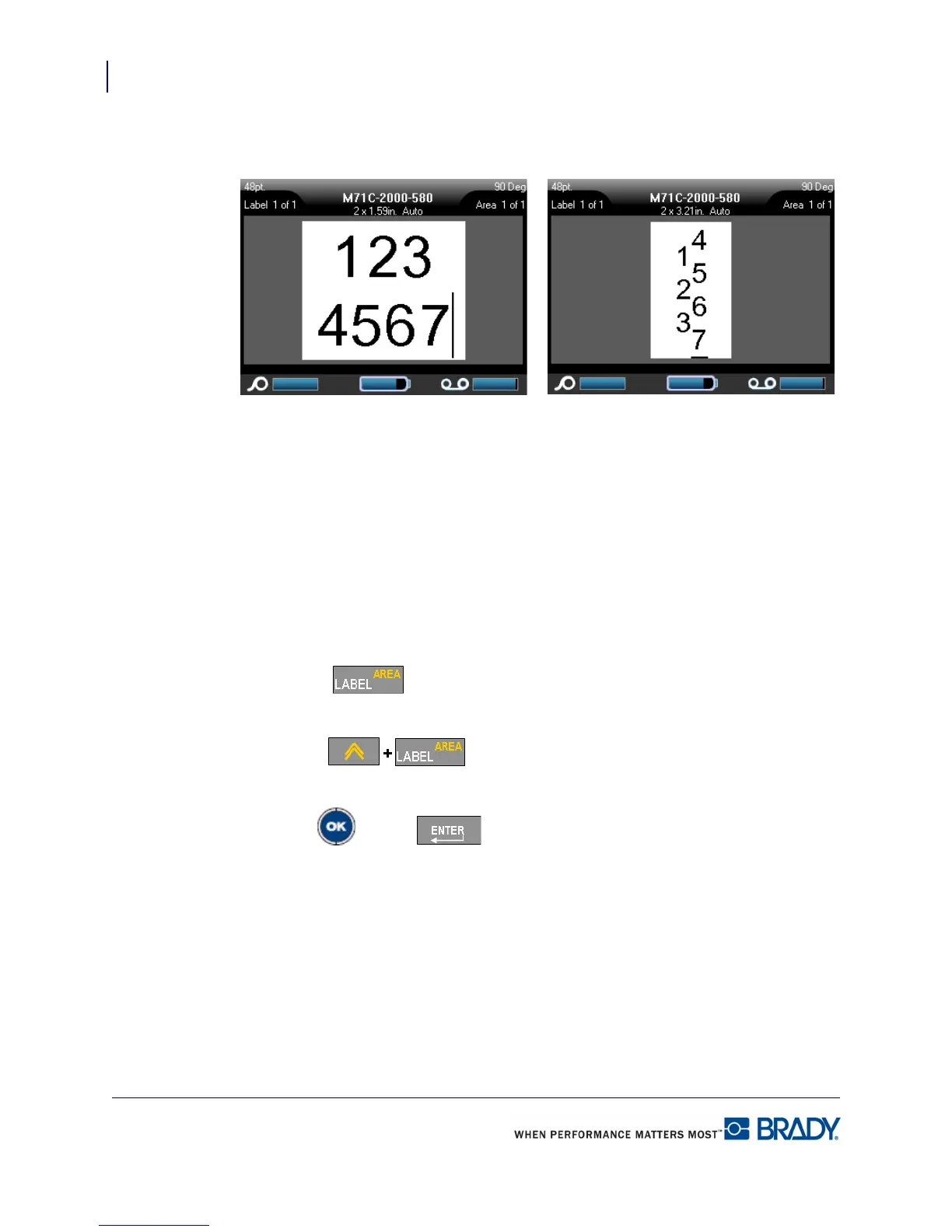
If more than one line of text is present, the second and subsequent lines of text display
vertically to the right of the first line of text.
Figure 24 • Multi-line vertical alignment
If a barcode is in the line of text to be placed vertically, or if the height of the label cannot
accommodate the vertical placement of text, an error message displays. The Editor then
displays the text in its original format, without applying the vertical text option.
To remove the vertical text option, placing text in normal, horizontal format:
1. Navigate to the label or area displaying data as Vertical Text.
2. Press Label .
OR
Press Area .
3. Choose Verti cal>OF F.
4. Press OK or Enter .
The text realigns according to predefined formats.
Multiple lines, before applying
Vertical text (autosized)
Multiple lines, after applying Vertical
text (autosized)



 To Next Page