File Management
Save
78
BMP71 User’s Manual
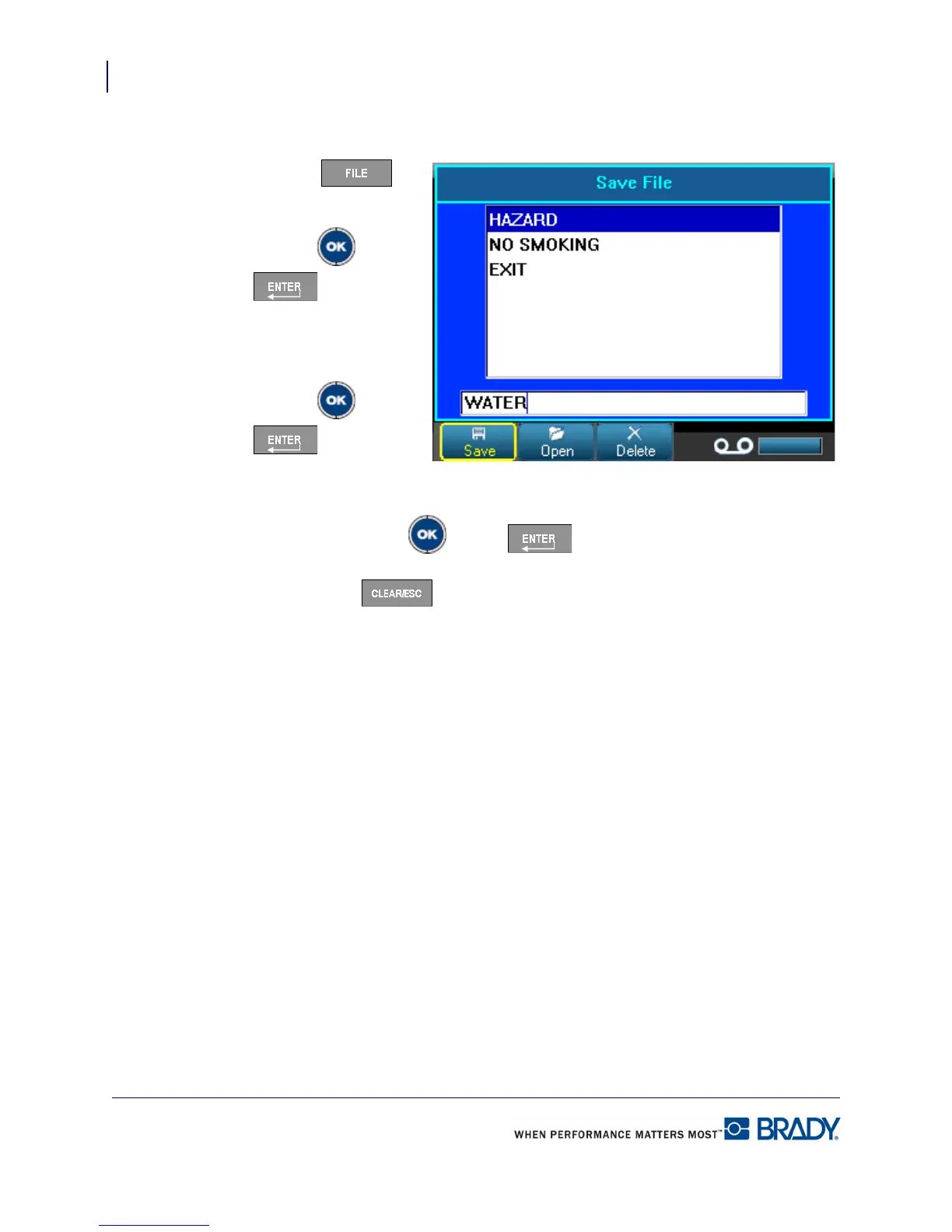
To save labels as a file:
1. Press File .
2. Choose Save.
3. Press OK or Enter
.
4. In the displayed entry
box, enter a name for the
file.
5. Press OK or Enter
.
If the name already exists, a
message displays asking if you want to overwrite the previous file with that name.
6. To overwrite, press OK or Enter .
OR
Press Clear/Esc to remove the message from the screen and return to the file
name entry box. To enter a different file name repeat Steps 4 and 5 above.
When the file is saved, you are returned to the Editing screen with the saved file still displayed.
If you want to remove the saved file from the screen, press [CLEAR/ESC]. (See “Clear/Esc”
on page 38 for more information.)



 To Next Page