BradyPrinter S3700 User Manual 110
Troubleshooting
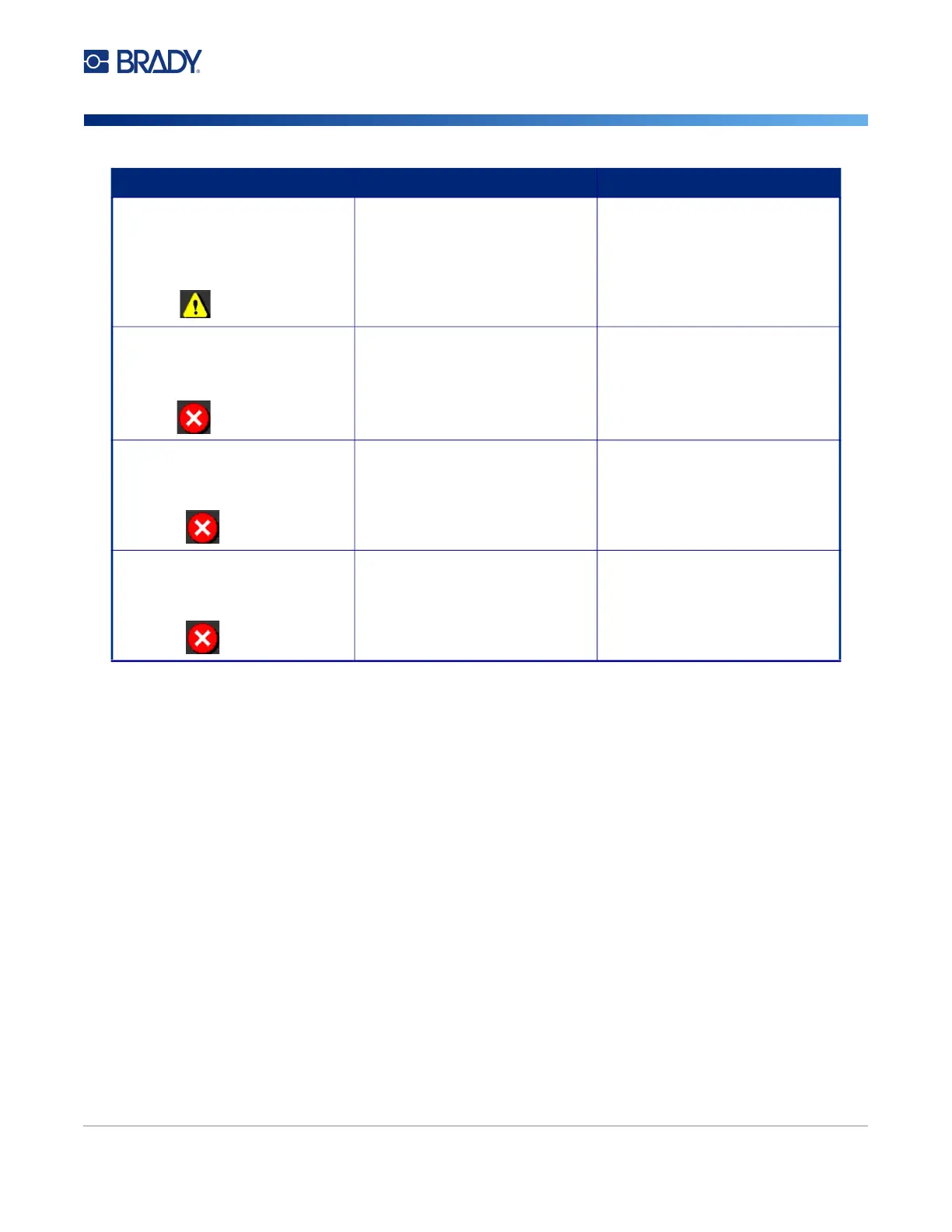
The installed labels are not listed
in the printer's Label Library. The
printer will use default values.
Error 98
The Label Library file is out of
date.
For optimal printing results,
update the printer's Label Library.
See Updating Printer Label
Library Values on page 92.
Installed ribbon is not
compatible.
Error 99
The installed ribbon is incorrect for
the print job.
Use a monochrome ribbon or a
spot color ribbon.
XY cutter motor cannot find its
home position.
Error 103
The printer needs to be reset. Open and close the cover and try
again.
XY cutter carriage is not plugged
in.
Error 104
The printer needs to be reset. Power the printer off and back on
and try again.
Error/Severity Cause Corrective Action











 To Next Page