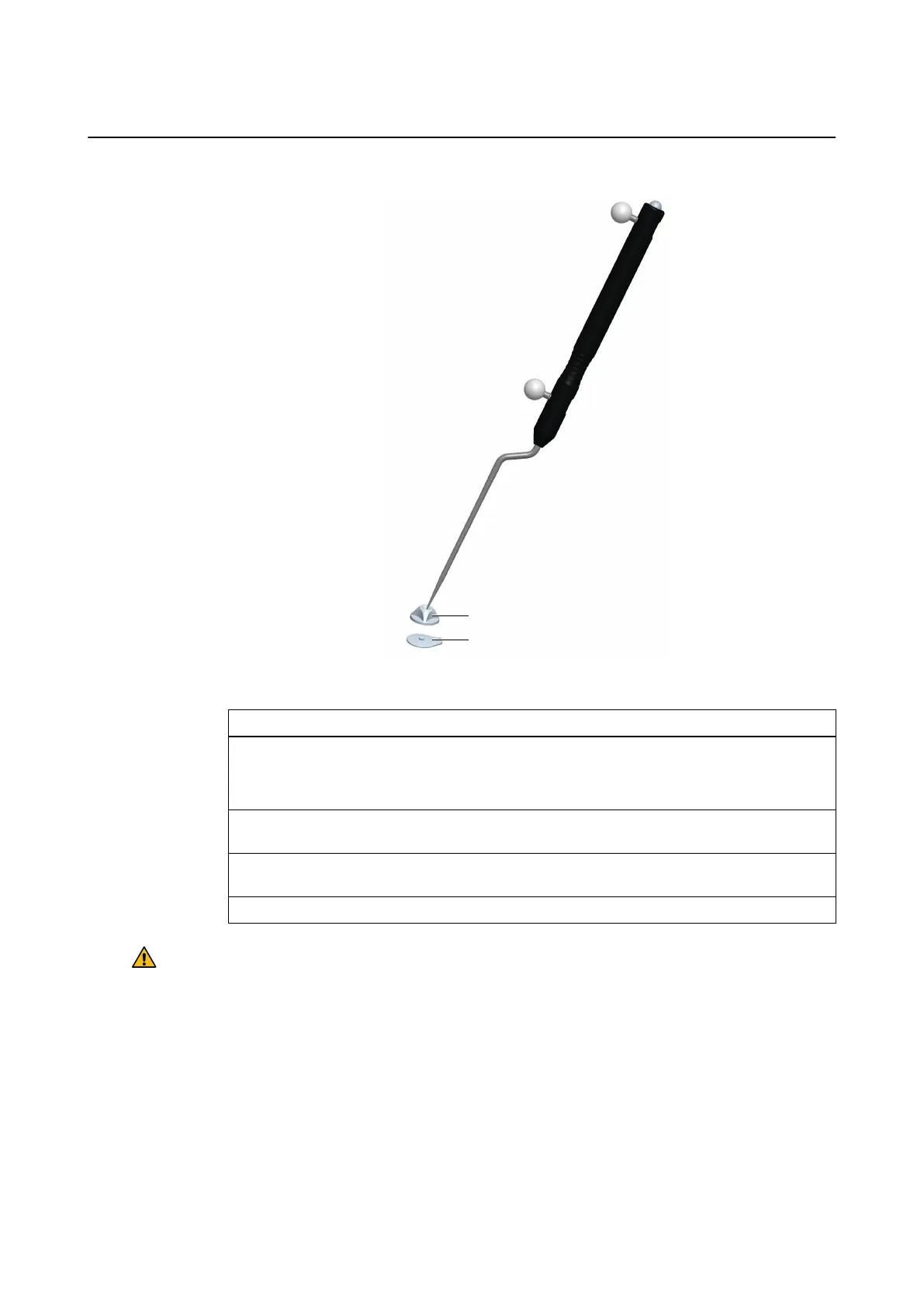
How to Attach OR Markers and Perform Registration
Figure 7
Step
1. Remove the markers from the marker plates.
NOTE: Do not remove the marker plates as their position is essential for registration
marker placement in the OR.
2. In the operating room, use the clip mechanism to fasten OR marker sockets ② to marker
plates ①.
3. Perform registration by pivoting the Pointer Cranial/ENT with Blunt Tip (gray) in the fun-
nel-shaped indents of each OR marker.
4. After registration, remove and dispose of OR marker sockets and marker plates.
Warning
Once marker plates have been removed, fiducial registration is no longer possible. Do not
attempt to re-attach marker plates unless they have been clearly marked using permanent
marker.
GENERAL INSTRUMENTATION
Instrument User Guide Rev. 2.3 Cranial/ENT Optical 29



 To Next Page