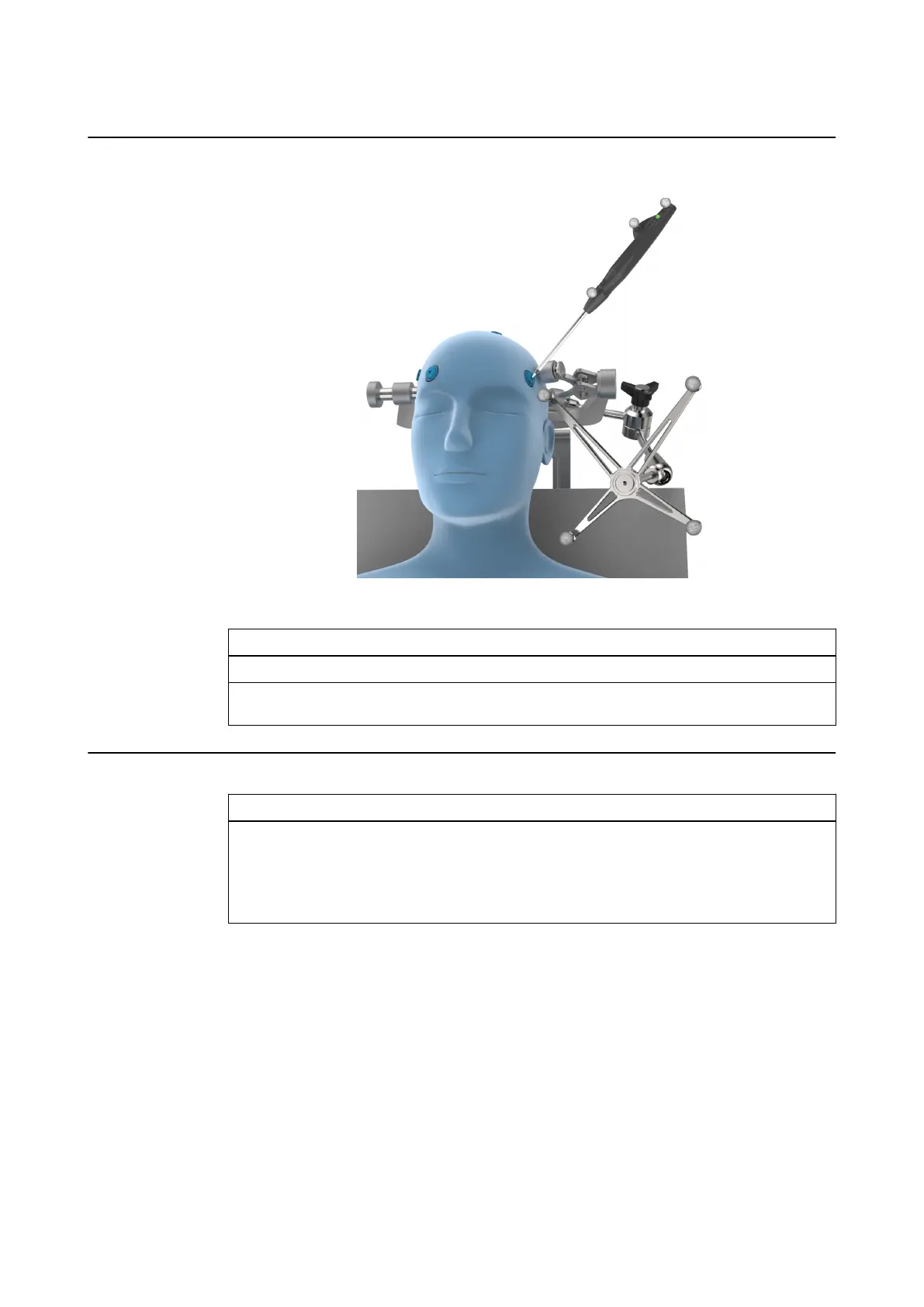
How to Register Points Using Multi-Modality Donut Registration Markers
Figure 8
Step
1. Turn on Softouch (e.g., press the button for two seconds).
2. Gently touch the Softouch tip in the center of the marker’s hole and repeat for each
marker. The system collects the points on contact.
After Scanning is Complete
Step
Import scan images to a Brainlab planning station (see relevant Software User Guide).
• Use scan images to create a treatment plan (see relevant Software User Guide).
• Alternatively, import scan images directly into Patient Data Manager and send to a naviga-
tion system in order to plan markers with navigation software (see relevant Software User
Guide).
Attaching Markers
30 Instrument User Guide Rev. 2.3 Cranial/ENT Optical



 To Next Page