Follow these steps to connect a DC power source.
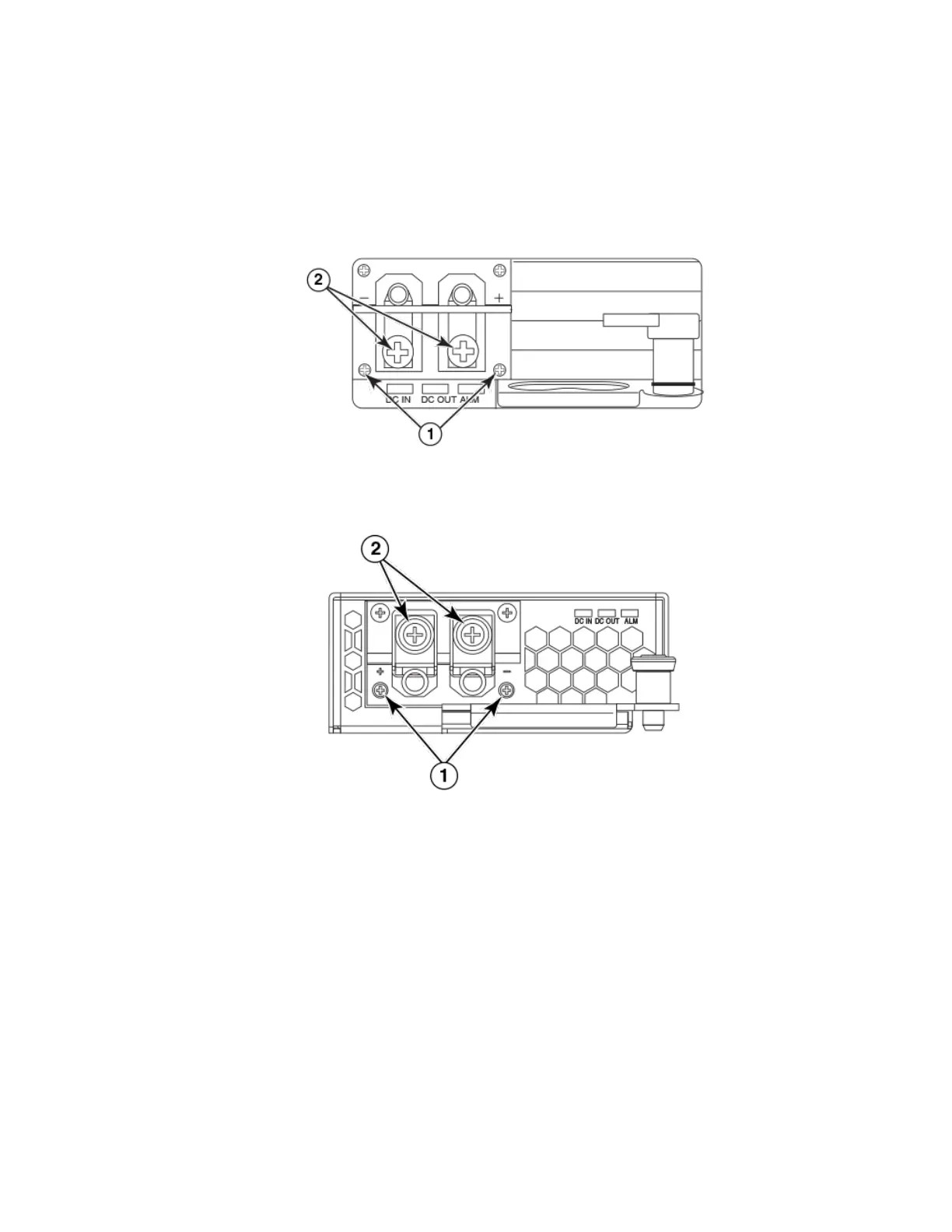
1. Use a #1 Phillips screwdriver to remove the two screws that hold the transparent cover over the power supply lugs, as shown in
one of the two following gures (dependent on the power supply).
FIGURE 43 The Brocade MLXe Series DC 1200W power supply
1. Screws holding transparent cover 2. Power lug screws
FIGURE 44 The Brocade MLXe Series DC 1800W power supply
1. Screws holding transparent cover 2. Power lug screws
2. Use a #2 Phillips screwdriver to remove the power lugs.
Installing a Brocade MLXe Series-16 router
Brocade NetIron MLXe Series Hardware Installation Guide
53-1004203-04 119


 To Next Page
 Loading...
