Brooks Automation 5. Software Reference
Part Number: 603988 Rev. A
Recovering from Corrupted
PAC Files
Step Action
5.
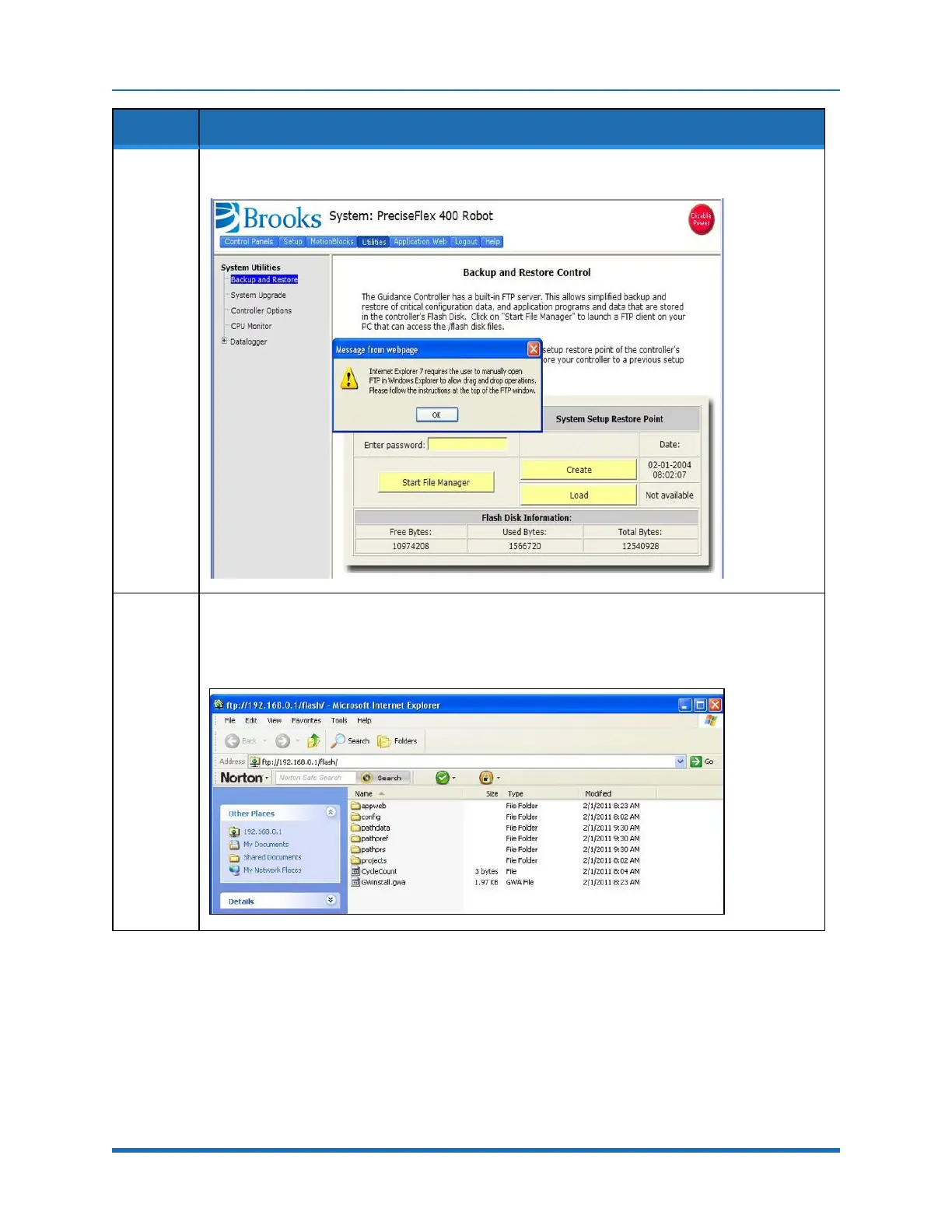
In the Web Based Operator Interface, select System Utilities→Backup and Restore.
6.
Click Start File Manager. It may be necessary to hold down the Control key to allow the pop-up
screen to display. An ftp directory screen will display. In the Page menu in Windows Internet
Explorer, select Open ftp site in Windows Explorer. Another window will open showing several
folders, including “Config” and “Projects.”
Copyright © 2023 Brooks Automation, Inc.
75



 To Next Page