Brooks Automation 2. Introduction to the Hardware
Part Number: 603988 Rev. A Machine Safety
Voltage and Power Considerations
The Guidance 1400A controller requires two DC power supplies, a 24VDC power supply for the
processor and user IO, and a separate 48VDC motor power supply.
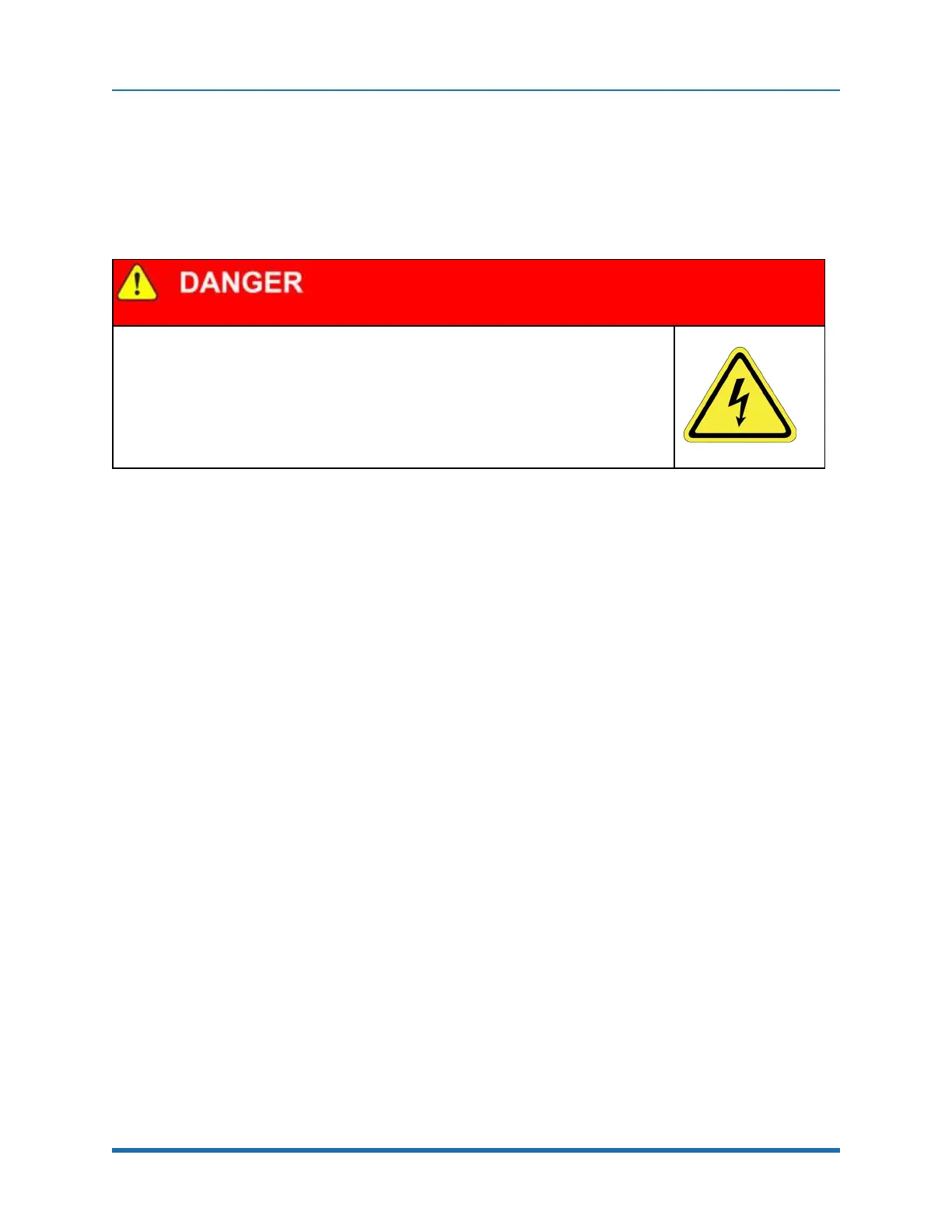
Electrical Shock
Working with energized equipment may cause electrical shock and may result in serious
injury or death. The Guidance 1400, the 48VDC and the 24VDC power supplies are all
open frame electrical devices that contain unshielded high voltage pins, components and
surfaces. These products are intended to be mounted in a cabinet or machine chassis
that is not accessible when AC line power is turned on.
l
Disconnect the AC power before working on the device.
The robot’s power supplies have an input range of 100 to 240 VAC, +/- 10%, 50/60 Hz. Inrush
current can be as high as 100 Amps at 240 VAC for short periods of time. The power supplies are
protected against voltage surge to 2000 Volts. Transient over voltage (< 50 µs) may not exceed
2000 V phase to ground, as per EN61800-31996. The power supplies are protected against over
current and over voltage conditions.
The robot consumes less than 200 Watts during normal operation. The Precise controller can
monitor motor power through its datalogging function. Intermittent power dropouts can be detected
by setting a trigger in the data logger which can record and time-stamp power fluctuations.
Mechanical and Software Limit Stops
The X-axis, Y-axis, Z-axis, Theta rotation, and Gripper have hard limit stops at the end of travel
which are factory installed. The soft-limit stops must be set within the range of these hard stops.
Since the robot has absolute encoders with battery backup on all axes except the gripper, even if
the robot is turned off, the encoders keep track of joint position. If any axis is pushed outside of the
soft limit stops, the robot will not allow the axis to run under computer control until the axis is moved
back inside the software limit stop either under manual control or by hand. The joint position can be
viewed either on the optional Manual Control Pendant, or in the Virtual Manual Control Pendant in
the Web Based Operator Interface. (See the Guidance Controller Setup and Operation Quick Start
Guide).
Stopping Time and Distance
The robot control system responds to two types of E-Stops.
A soft E-Stop initiates a rapid deceleration of all robots currently in motion and generates an error
condition for all GPL programs that are attached to a robot. This property can be used to quickly halt
Copyright © 2023 Brooks Automation, Inc.
33



 To Next Page