5. Software Reference PreciseFlex 100 Robot
Accessing the Web Server Part Number: 603988 Rev. A
5. Software Reference
Accessing the Web Server
Many OEM customers run the PF400 using a PC to provide an application-specific operator
interface. In order to update software in the controller, and view certain error messages, it is
necessary to access the Web Server Interface embedded in the controller.
The Web Server Interface may be addressed by opening a browser (such as Internet Explorer) in a
PC that is connected to the robot via Ethernet. Customers must know the IP address of the robot
controller. Two common IP addresses are 192.168.0.1 and 192.168.0.10. The PC LAN interface
address must be configured correctly (for example 192.168.0.100, with subnet mask
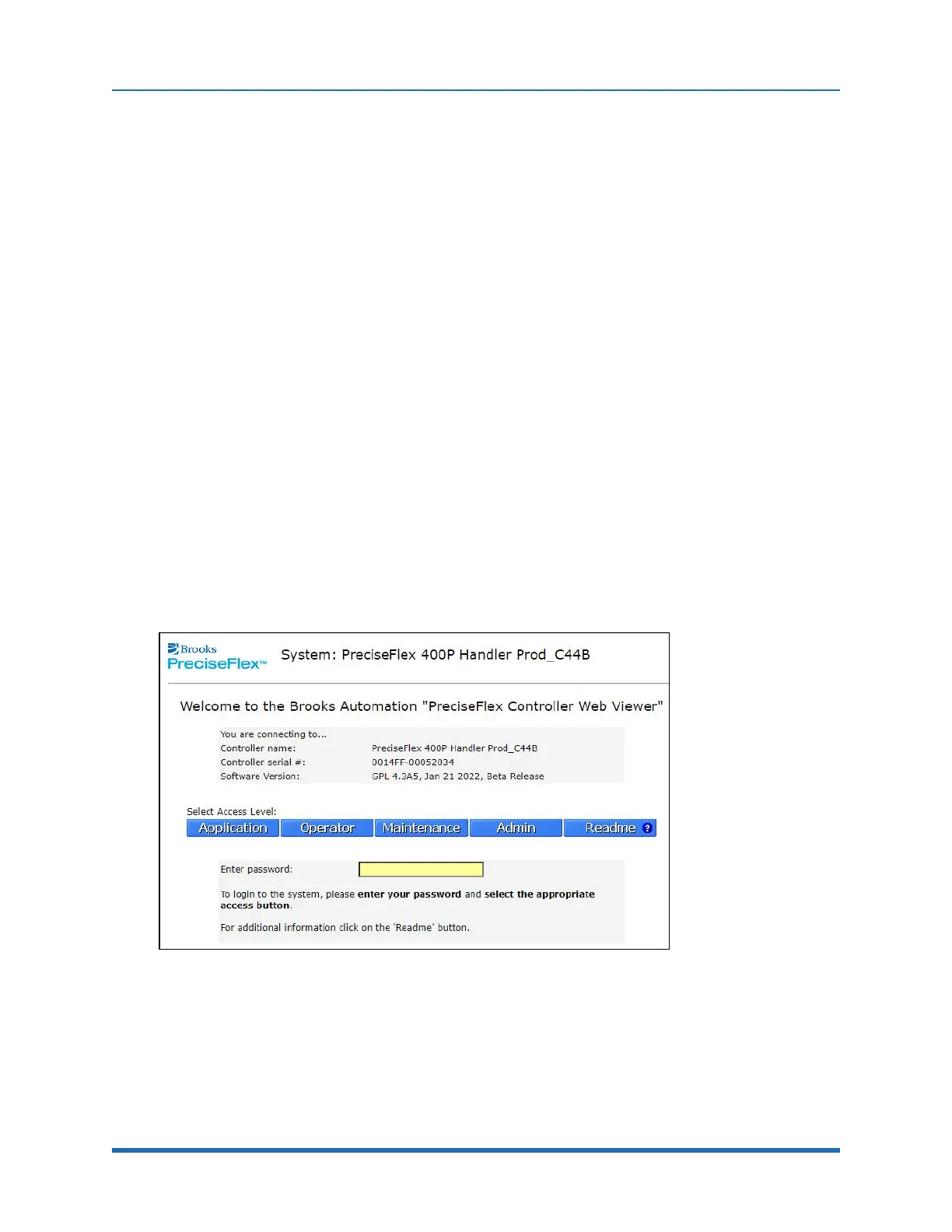
255.255.255.0). The Web Server Interface in Figure 5-1 will display.
Figure 5-1: Web Server Interface
It may be necessary to enter a password if a company has protected access to the Web Interface.
Once the password has been entered, click Admin to access all the features to perform system
upgrades. The window in Figure 5-2 will display.
70
Copyright © 2023 Brooks Automation, Inc.



 To Next Page