5. Software Reference PreciseFlex 100 Robot
Controller Software Extensions Part Number: 603988 Rev. A
Step Action
7.
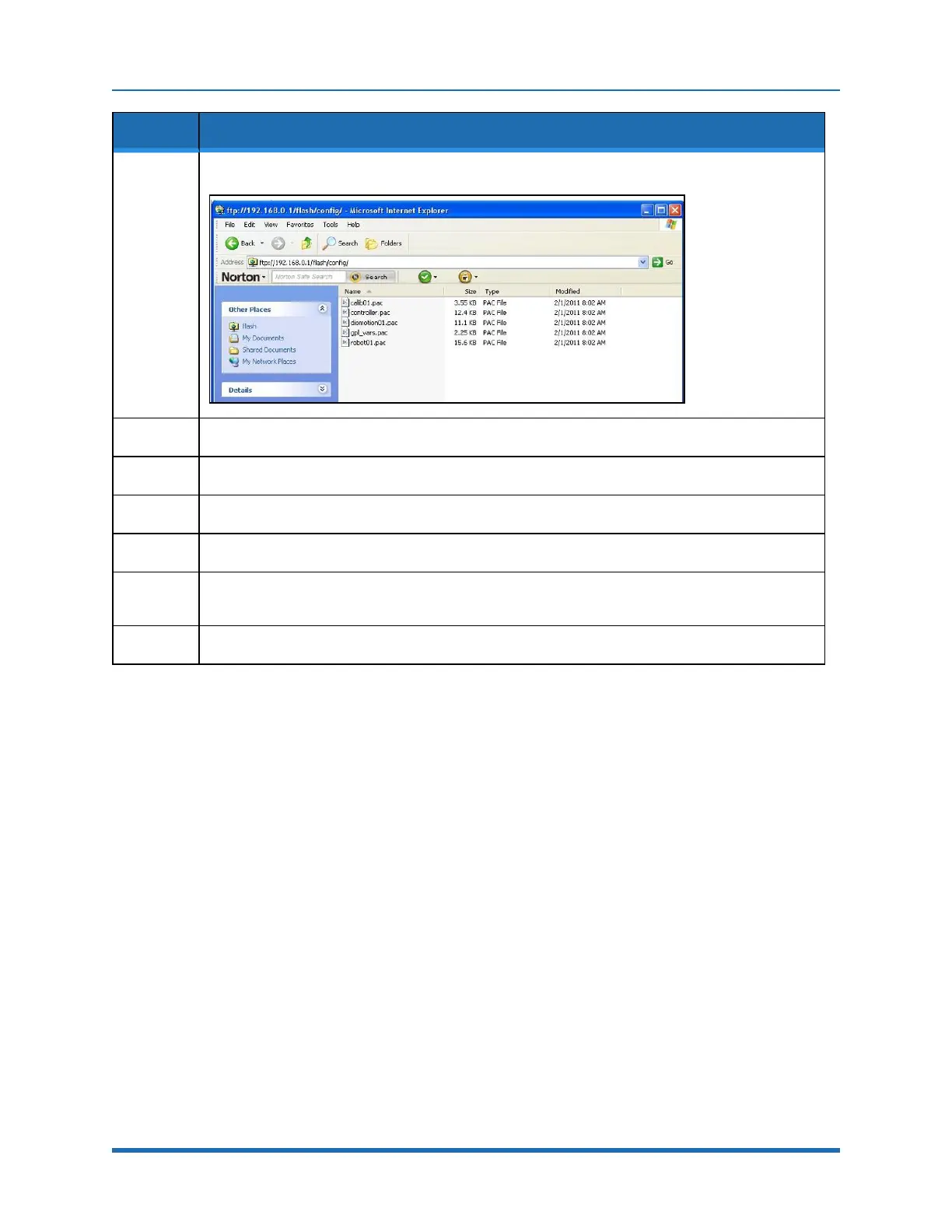
Open the Config folder and paste the backup copy of the PAC files into this folder.
8.
Wait until the console prompt stops flashing, about 10-15 seconds.
9.
Turn off robot power.
10.
Restore Jumper J8 to its previous position.
11.
Reboot the robot. The PAC files should be restored and the robot should run.
12.
If the robot has ever been recalibrated since the backup PAC files were created, it will be necessary
to recalibrate the robot, as the calibration files will be out of date.
13.
Replace the X axis rear cover.
Controller Software Extensions
This section discusses extensions to the standard Guidance Controller software that are specific to
the PreciseFlex 100 Robot. Brooks offers a Command Server software package that allows a PC to
send high level commands to the PP100 robot. This package is available upon request.
76
Copyright © 2023 Brooks Automation, Inc.



 To Next Page