Programmer
75
Chapter 2 Programming with Help Function
2. Press
2
and press .
The work clamp moves to point A.
3. Press
ESCESC
.
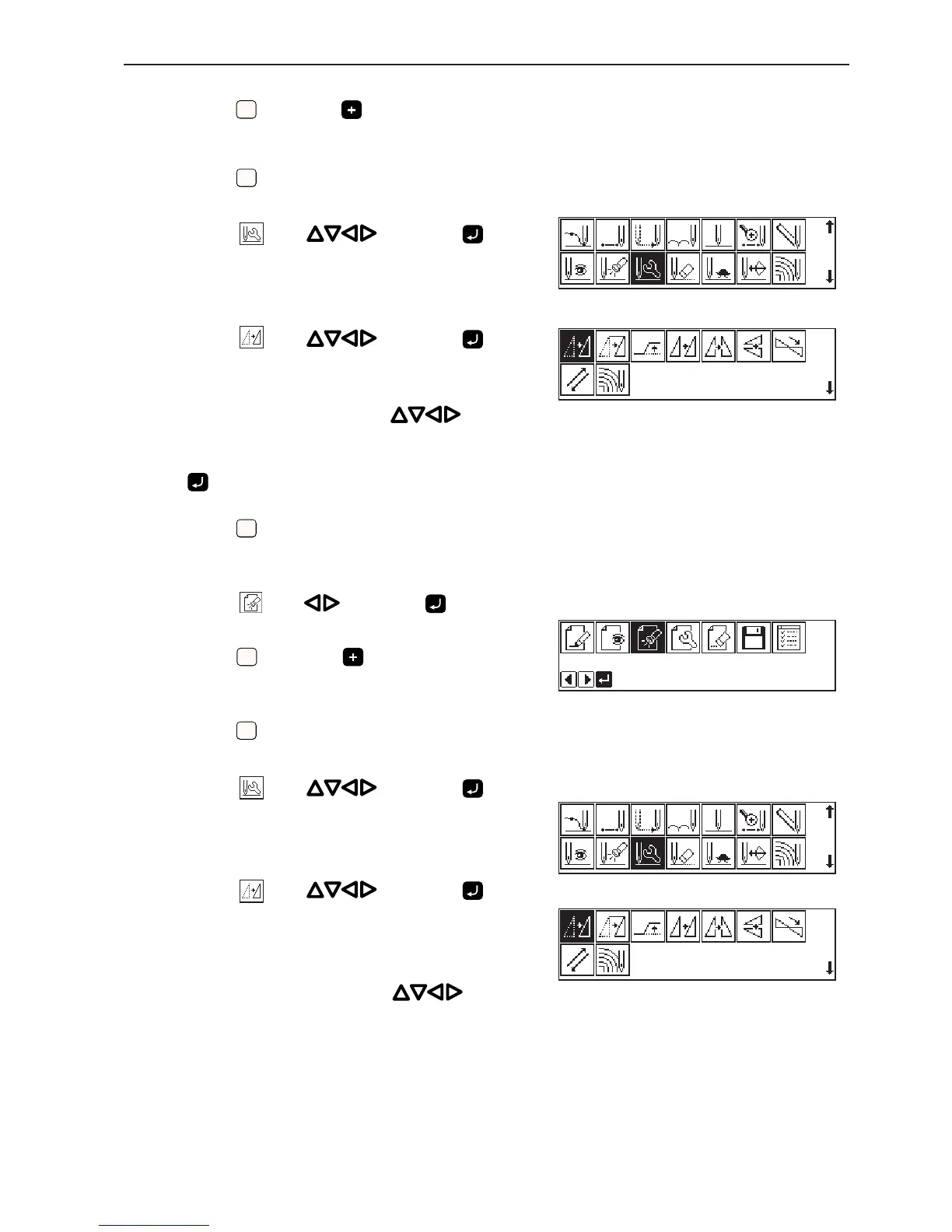
4. Select
with and press .
5. Select
with and press .
6. Move the work clamp with
so that
the needle point is at point B of the pattern.
Record the coordinates (values of X and Y). Do not press
.
7. Press
ESCESC
three times.
The needle point returns to the home position.
8. Select with and press .
9. Press
1
and press .
The work clamp moves to point C.
10. Press
ESCESC
.
11. Select
with and press .
12. Select
with and press .
13. Move the work clamp with
for the
coordinates recorded in step 6.
14. Turn the pulley with a hand and put a
marking with the needle to indicate the
position of point D.



 To Next Page