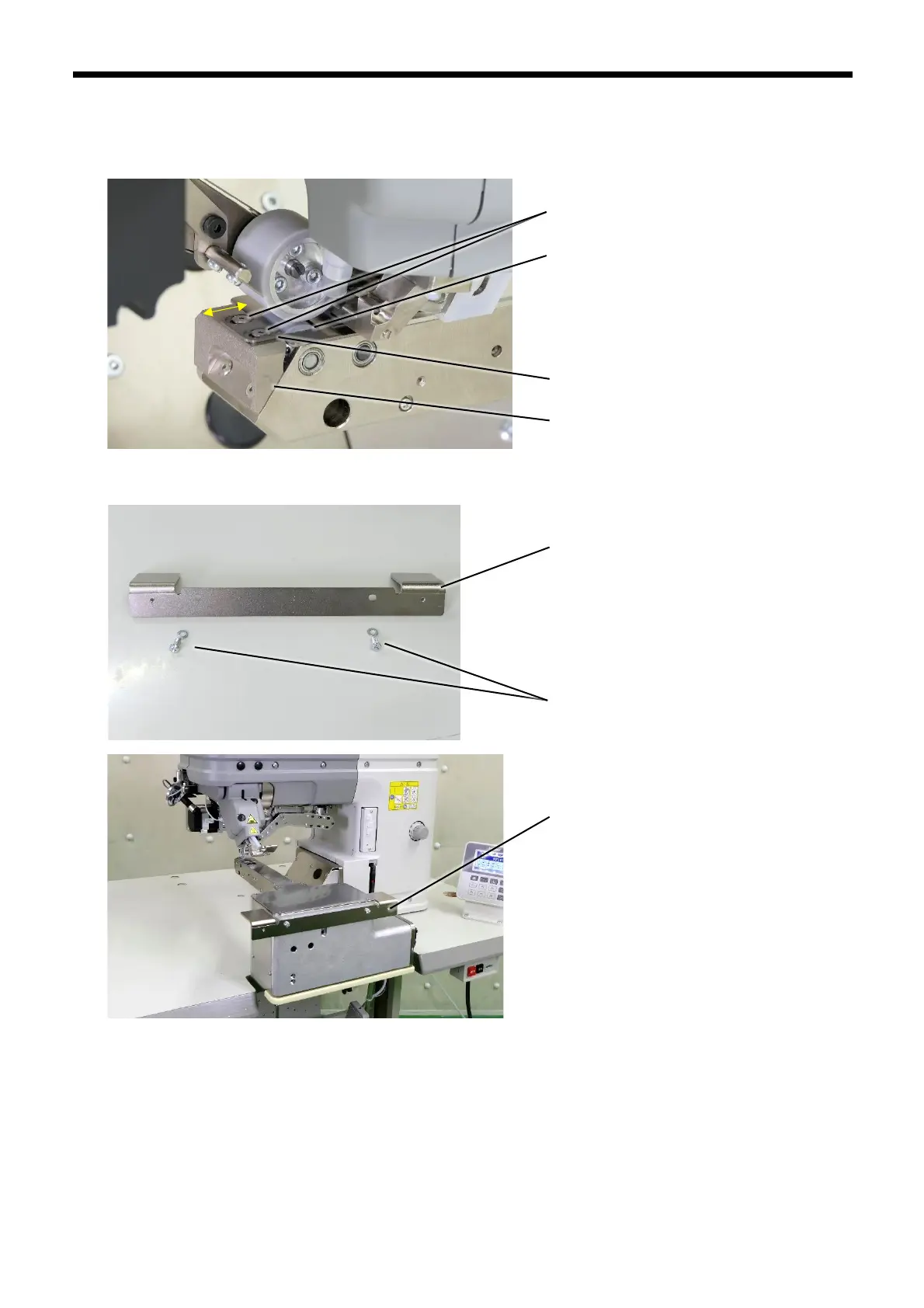
3. Loosen the two screws (4).
Move the anti-entanglement plate (5) which is installed to the anti-entanglement plate support (3) back and forth to adjust
its position so that the clearance between the lower roller (6) and the anti-entanglement plate (5) is as small as possible
(around 0.1 mm) without the two parts touching.
4. use the two M5 screws with washer (7) to install the mounting stay (8) to the frame.



 To Next Page