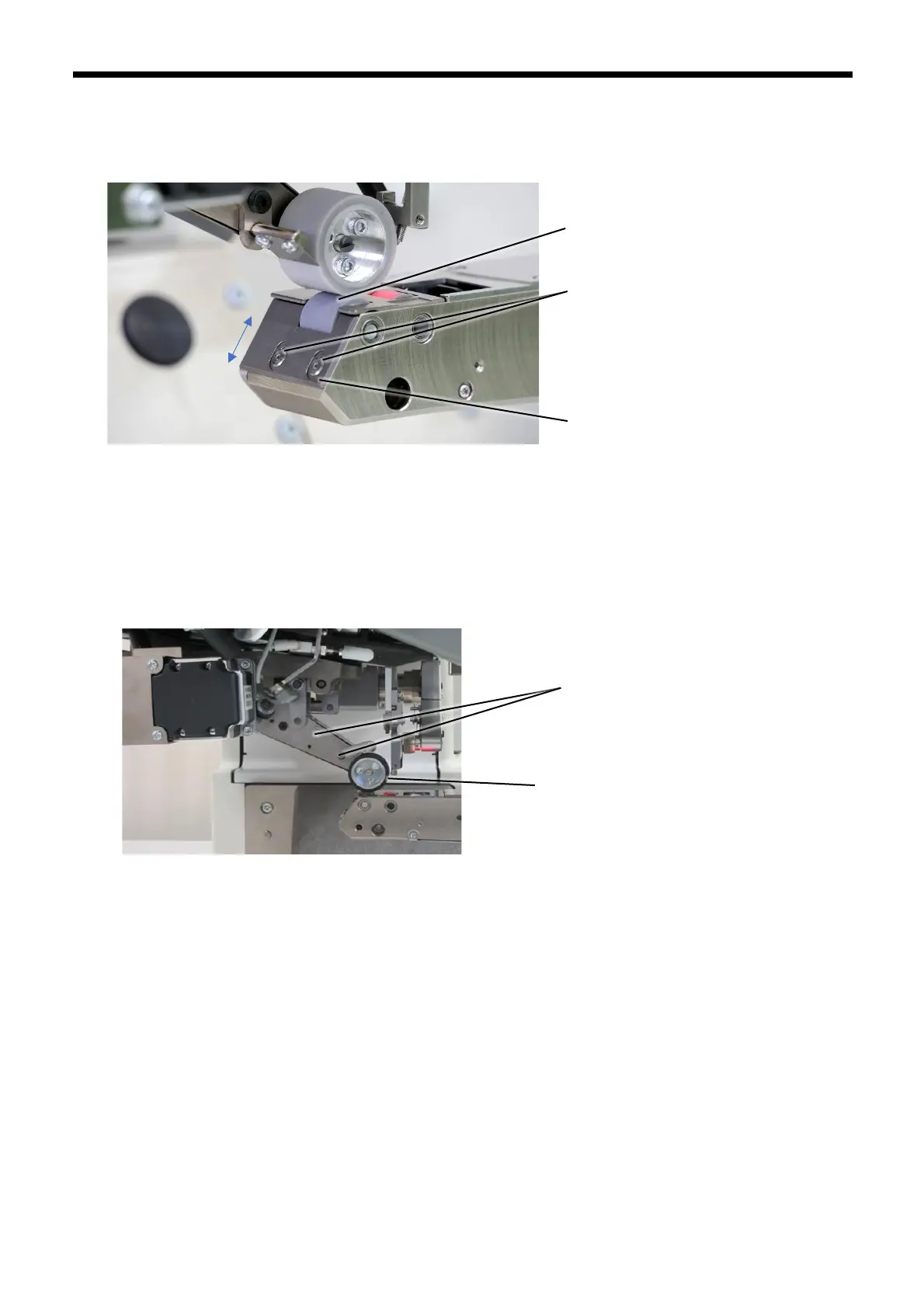
12.2 Adjusting the anti-entanglement plates
12.2.1 At lower roller side
1. Loosen the two screws (3) of the anti-entanglement plate (2) which are located at the bottom of the lower roller (1).
2. Adjust the position of the anti-entanglement plate (2) so that the clearance between the lower roller (1) and the anti-
entanglement plate (2) is as small as possible (around 0.1 mm) without the two parts touching.
3. Tighten the screws (3) to secure the anti-entanglement plate (2).
12.2.2 At upper roller side
1. Loosen the two screws (5) at the upper roller (4).
(1)
(3)
(2)
(5)
(4)



 To Next Page