9 REPLACING GLUE CARTRIDGE
BM-2000
9.2 Glue cartridge replacing method
Wear protective gear such as protective goggles
and protective gloves
(*1)
when replacing the glue
cartridge in order to avoid exposure to your skin.
The equipment inside the melter cover, the
melter, the glue cartridge and the cartridge valve
become hot during use and could cause burns if
touched.
In addition, set the cartridge valve so that it is
facing upward before removing it, and be careful
not to get any of the glue into your eyes or onto
your skin. If the valve is facing downward, glue
may flow out and problems such as burns,
inflammation or allergic reactions could result.
Avoid drinking, eating and smoking while using
the glue.
If the glue is accidentally ingested, problems
such as respiratory difficulties or allergic
reactions could result.
Keep the glue out of the reach of children.
Use only genuine Brother glue cartridges.
Brother will not be held responsible for any
accidents or problems resulting from the use of
non-genuine parts.
Wash your hands thoroughly after using the glue.
(*1) Use protective gloves which can withstand temperatures of 200°C and higher.
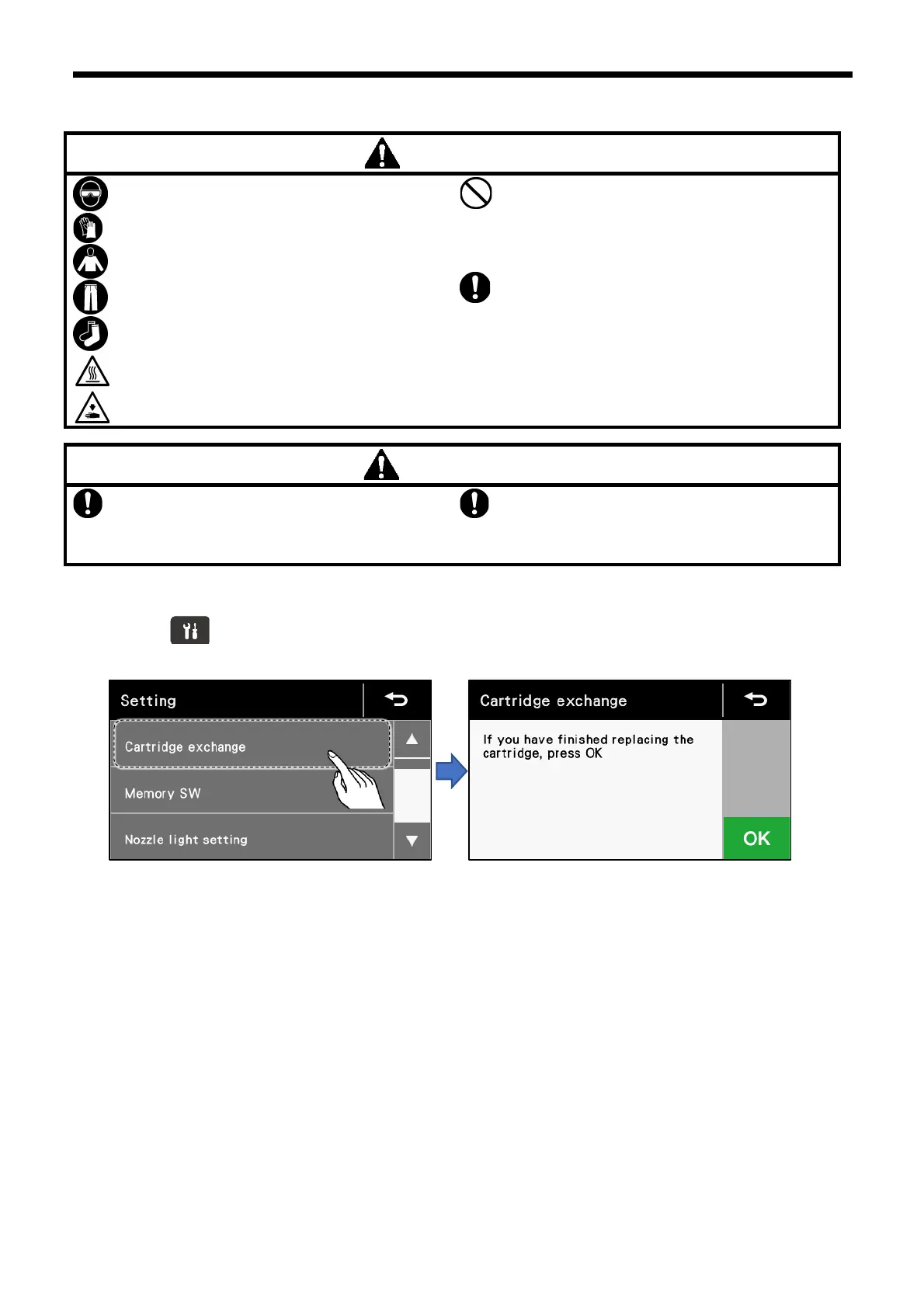
1. Press the key to display the setting menu.
2. Touch “Cartridge exchange” to display the cartridge exchange screen.



 To Next Page