4.2.2 Automatic discharge mode
When the treadle is depressed once, discharge of glue will continue for a fixed length of time.
1. Carry out the same operation as give in 4.2.1.
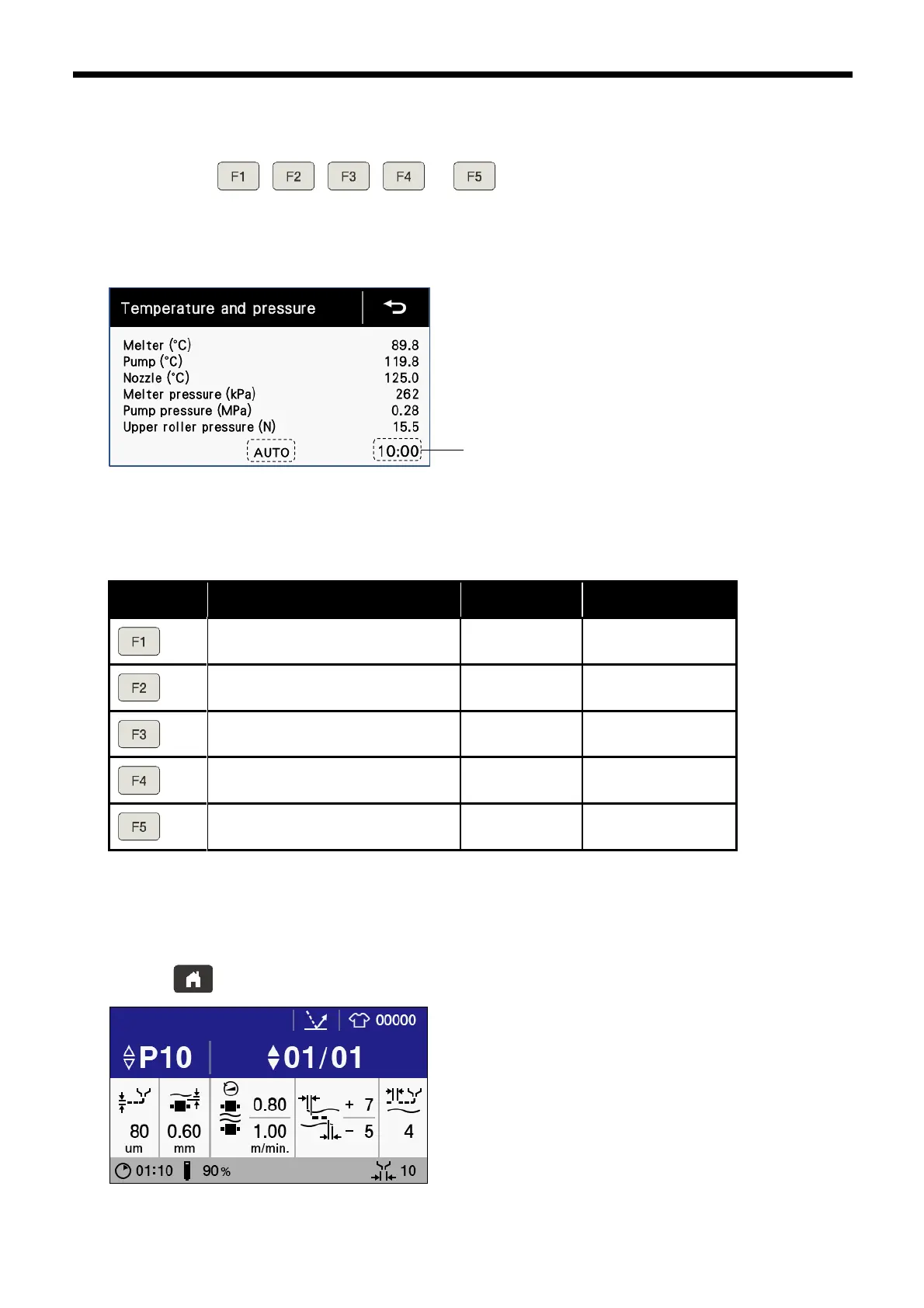
2. Press one of the , , , or keys. "AUTO" will be displayed on the screen to indicate
that automatic discharge mode is active, and the discharge time which has been assigned to the key which was pressed
will be displayed.
(If the same key is pressed again, the "AUTO" characters will disappear and the mode will return to manual discharge
mode.)
The discharge times which are assigned to each key can be set using the memory switches. Following is a list of the initial
values.
Refer to “3.5” for details on the memory switch setting method.
3. If the treadle is depressed while the GLUE ON/OFF switch is being pressed, glue will be discharged from the nozzle. Glue
will continue to be discharged until the remaining discharge time reaches "0:00", even if the treadle is released at this time.
To stop the discharge of glue before the time has ended, depress the treadle forward again or depress it backward.
4. After discharging has completed, clean the nozzle with a cloth or similar.
5. Press the key to return to the home screen.



 To Next Page