3.6 Nozzle light setting method
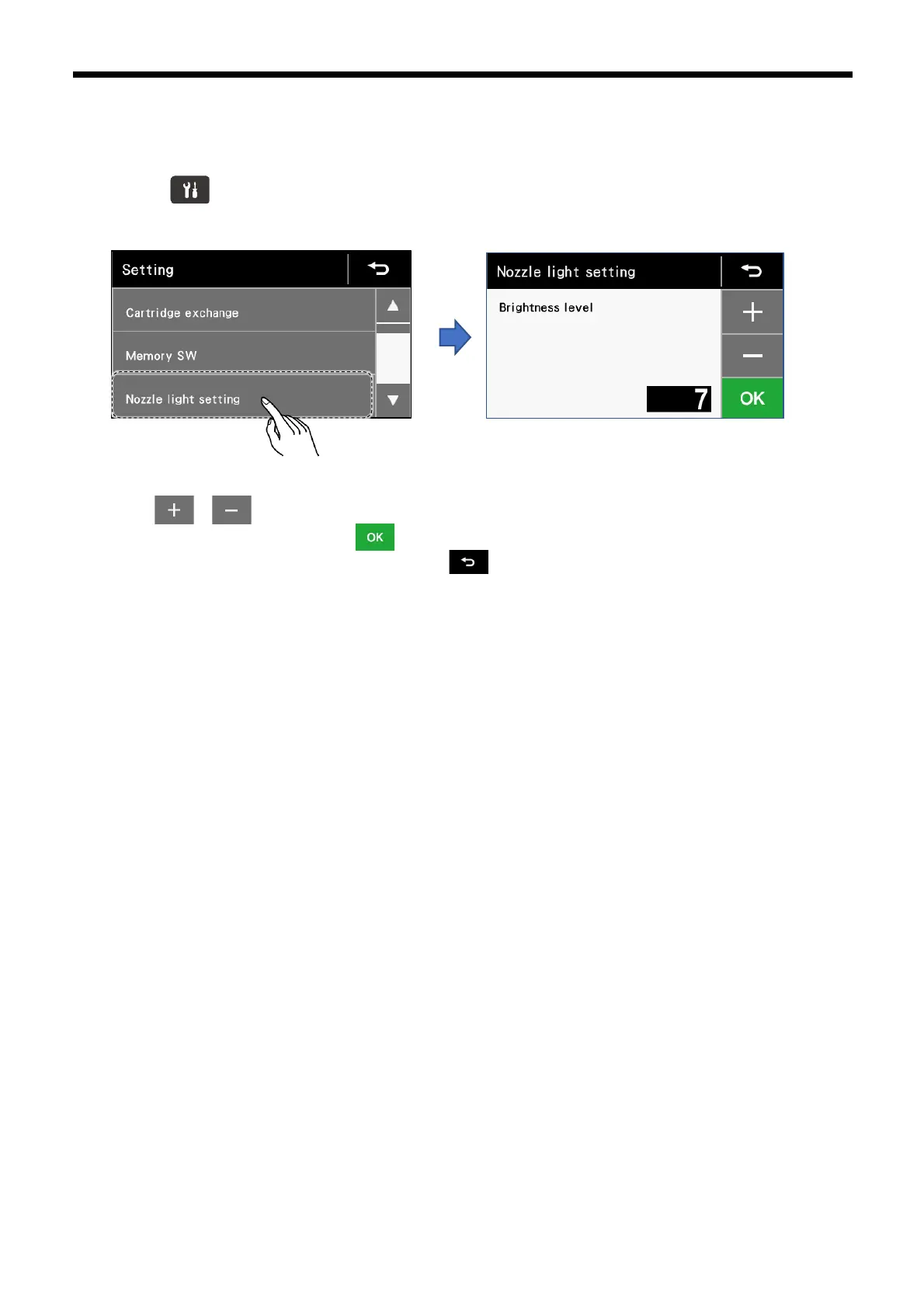
The brightness of the nozzle illumination can be set.
1. Press the key to display the setting menu.
2. Touch “Nozzle light setting” to display the nozzle light setting screen.
3.
Touch
or to change the brightness of the nozzle illumination.
▪ To apply the changed setting, touch
▪ If you would like to cancel the setting change, touch .
▪ The brightness level can be set to a value from "0" to "9".
▪ When a larger value is set, the illumination becomes brighter. When set to "0", the illumination turns off.



 To Next Page