5.1 Setting nozzle glue width
Check that the gluing width of the nozzle which is installed to the bonding machine matches the nozzle gluing width setting on
the panel.
Set the gluing width to 6 mm, 8 mm or 10 mm depending on the specifications.
If changing the gluing width, replace the nozzle.
Refer to "11.1" for details on replacing the nozzle.
In addition, refer to "12.1 Changing the gluing width" when carrying out the various adjustments.
5.2 Setting roller pressure
Changing the roller pressure
You can change the pressure of the upper roller which presses the upper cloth and the lower cloth together.
The pressure which can be used is from 5 N to 15 N. The initial value is 10N. Adjust it if required.
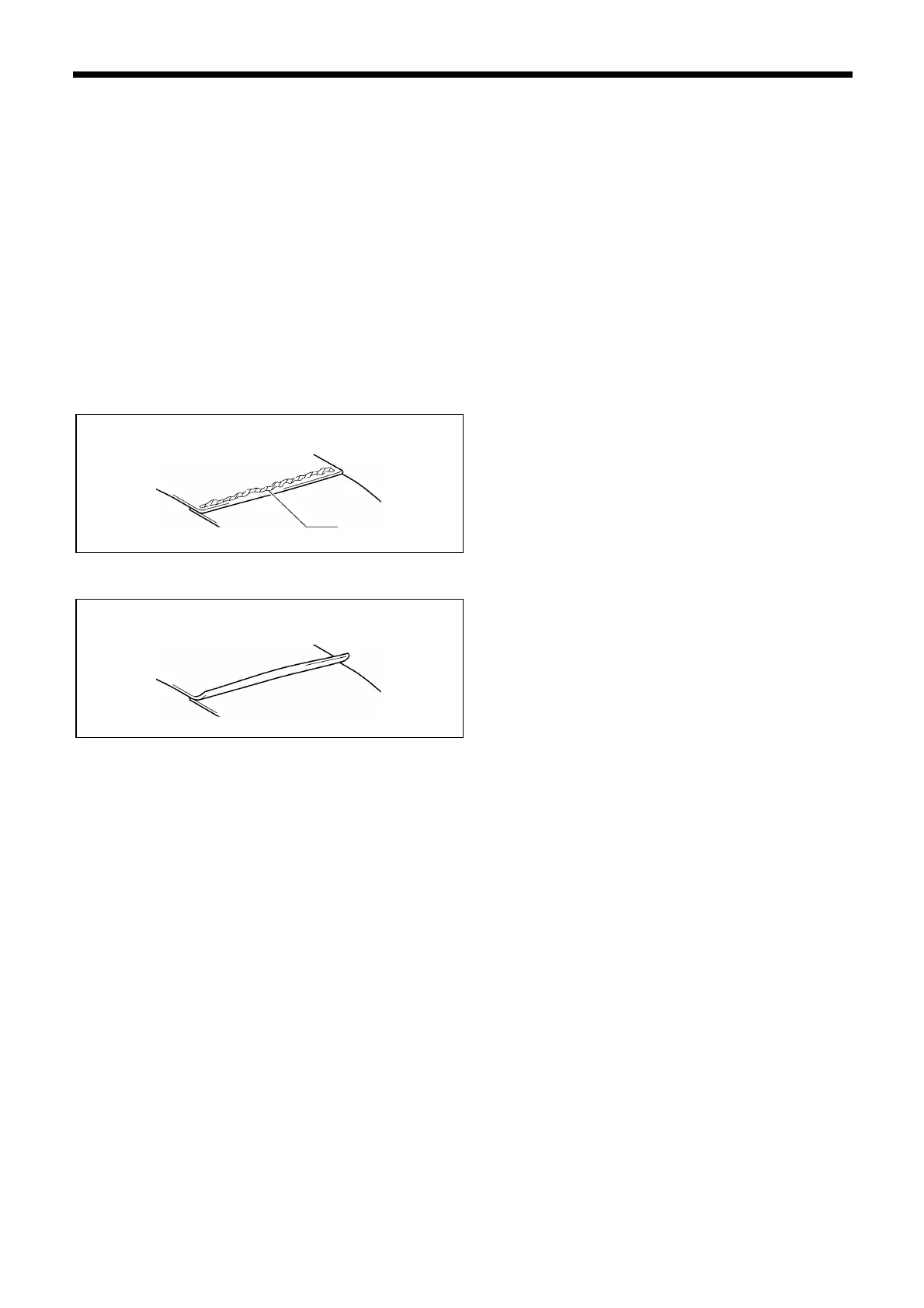
<If the upper roller pressure is too strong>
Glue will be squeezed through the cloth.
In addition, puckering can easily occur.
(Particularly at curved sections)
Adjust the upper roller pressure to a weaker setting.
<If the upper roller pressure is too weak>
The cloth being glued will peel away.
In addition, the strength after gluing may become weaker.
Adjust the upper roller pressure to a stronger setting.



 To Next Page