12 STANDARD ADJUSTMENTS
12.1 Changing the gluing width
12.1.1 Replacing the nozzle
The gluing width can be changed by replacing the nozzle.
Three types of nozzle are available, with gluing widths of 6 mm, 8 mm and 10 mm.
Refer to "11.1 Replacing the nozzle" for details on replacing the nozzle.
12.1.2 Settings when changing the gluing width
Carry out the following procedures when installing a nozzle with a different gluing width.
[Changing the gluing width setting]
1. Display the memory switch setting screen. Refer to "3.5" for details on the display method.
2. Change the setting for memory switch No. 500 to match the gluing width for the nozzle which has been installed.
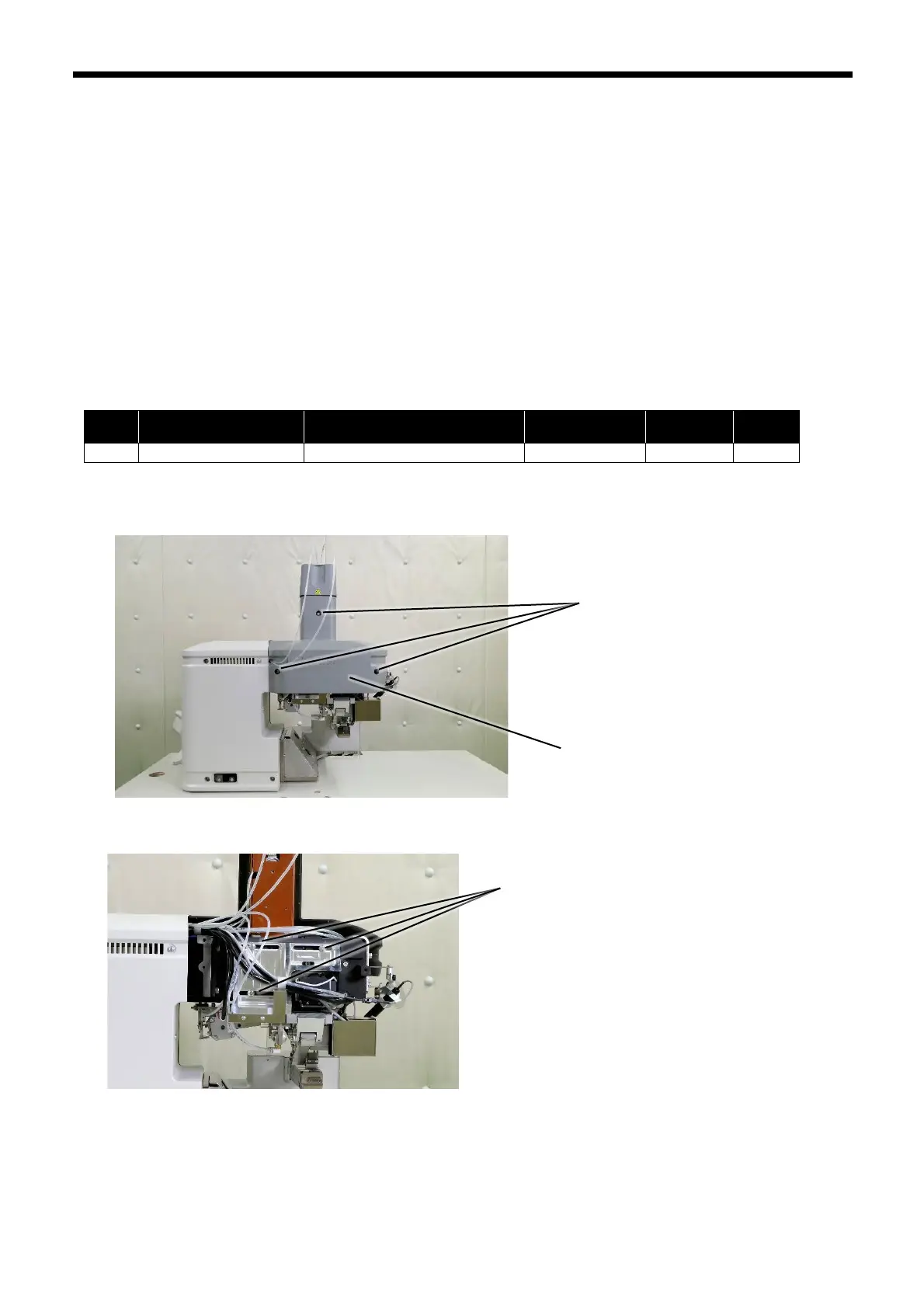
[Upper roller position adjustment]
1. Remove the three screws (1), and then remove the rear cover L (2).
2. Loosen the three screws (3).
(1)
(2)



 To Next Page