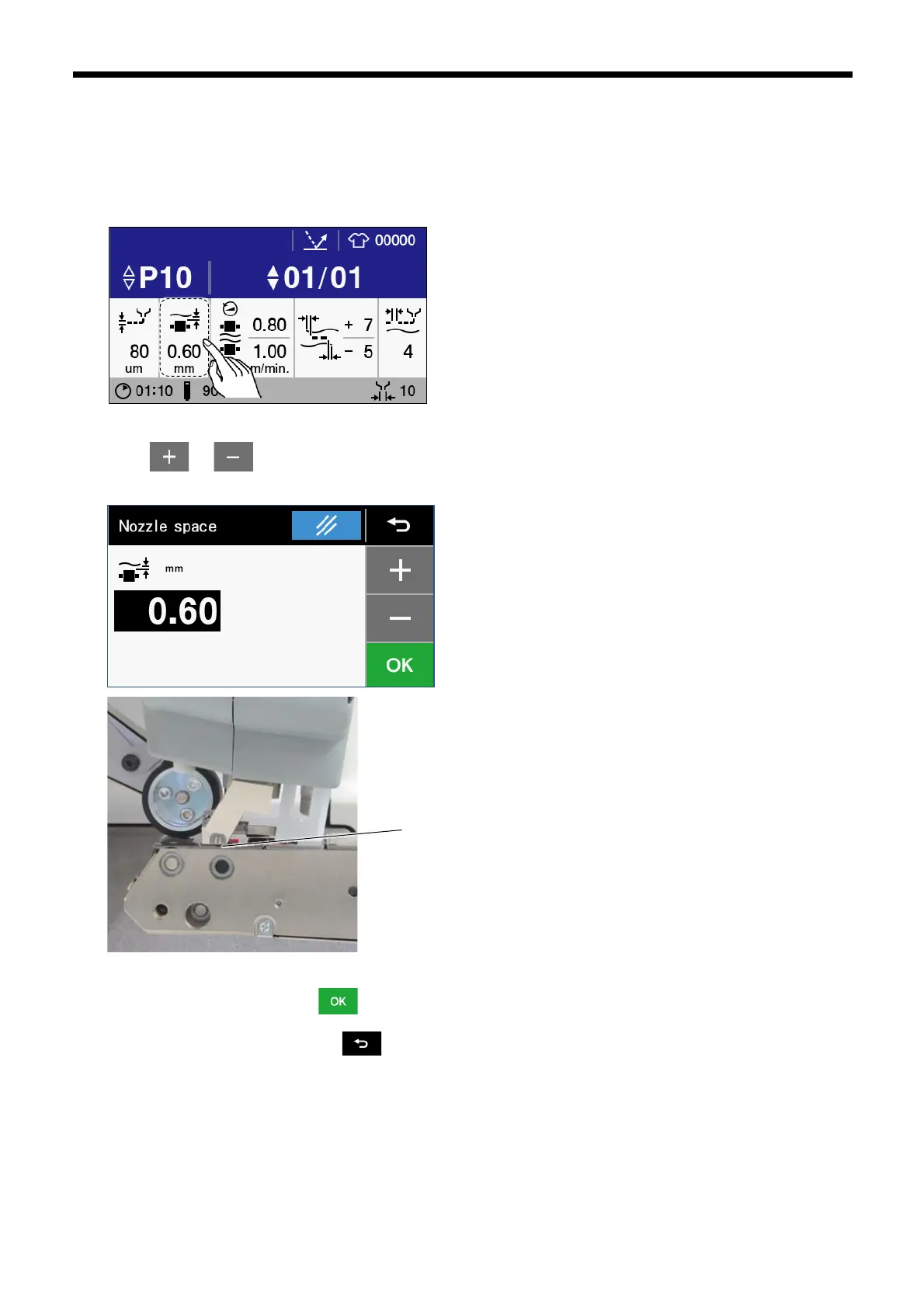
3.2.3 Nozzle clearance setting method
You can change the clearance between the nozzle and the roller under nozzle.
1. When the nozzle is raised, press the NOZZLE switch to lower the nozzle to the lowest position.
2. Touch “Nozzle space” to display the nozzle space setting screen.
3. Touch or to set the nozzle space. When you change the numerical number on the operation panel, the
clearance between the nozzle and roller under nozzle will change.
4. Once changing is complete, touch to confirm the changed setting and then return to the home screen. If you would
like to cancel the setting change, touch .



 To Next Page