3.5 Memory switch
The functions of the operation panel include some that are set by memory switches at the time of shipment from the factory. You can
change the settings for these memory switches if required. The settings for the memory switches are valid for all programs.
3.5.1 Memory switch setting method (for operators)
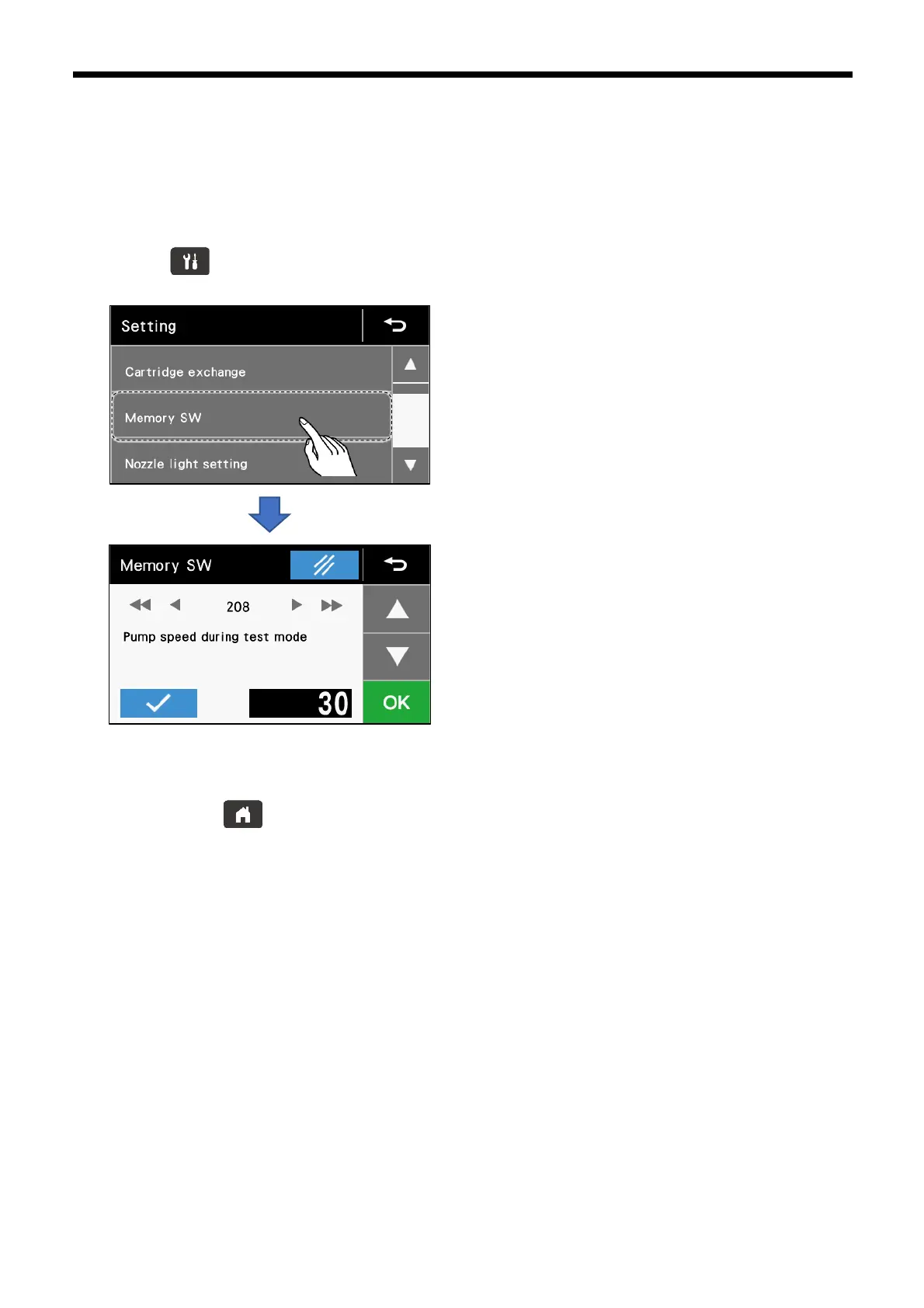
1. Press the key to switch to the setting menu screen.
2. Touch “Memory SW”.
3.5.2 Memory switch setting method (for mechanics)
1. While pressing the key, turn on the power switch to switch to the special menu screen.
2. Touch “Memory SW”.



 To Next Page