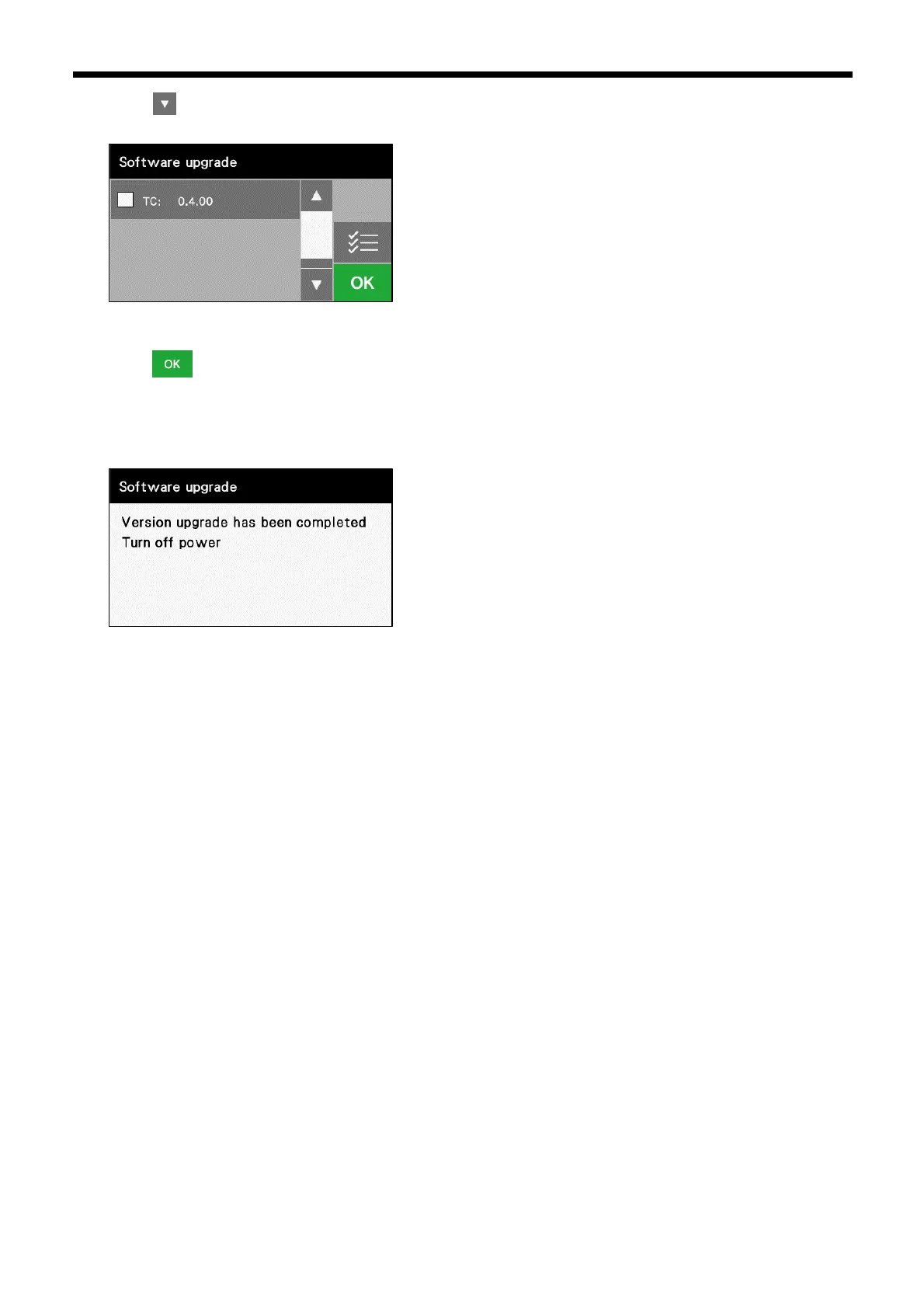
6. Touch to display the following screen.
In the same way, place a check mark against of the control programs that you would like to update.
▪ TC:Temperature adjustment control program
7. Touch to start the version update.
It will take from around 30 to 180 seconds for the version update to be complete. Do not turn off the power switch while
the version update is in progress.
8. When the version update completion screen is displayed, turn off the power switch.
9. Remove the USB media from the USB port of the operation panel.



 To Next Page