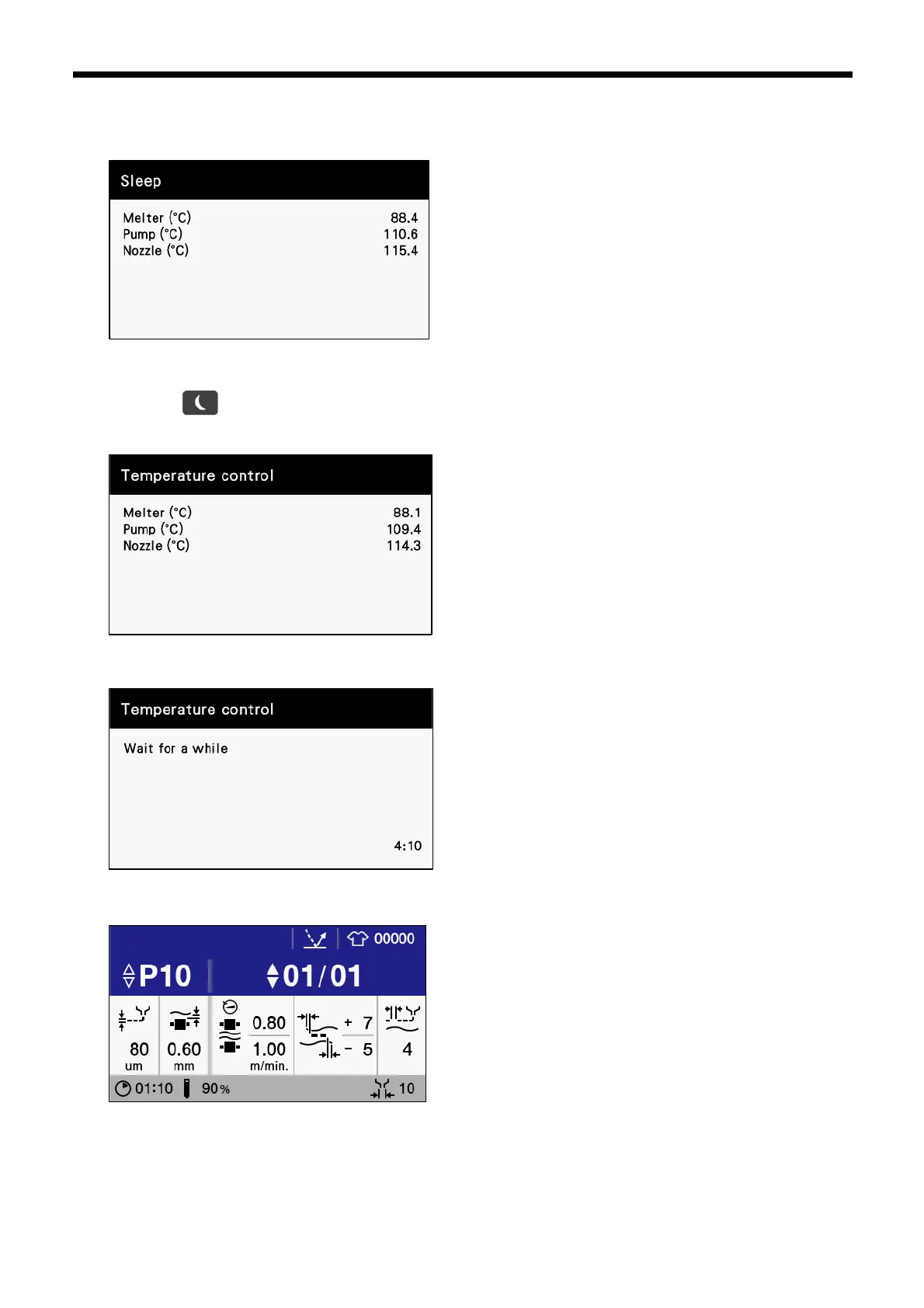
2. If 1 more minute elapses without any operation being carried out, the bonding machine will enter sleep mode. The
current temperatures for the melter, pump and nozzle will be displayed on the operation panel and the warning indicator will
blink.
[Exiting automatic sleep mode]
1.
Press the
key for two seconds or more.
The following temperature control screen will be displayed, so wait for
approximately 10 minutes. (The waiting time will vary depending on the amount of time which has elapsed since sleep mode
was entered.)
2. The panel display will switch as showed below.Wait for a further 5 minutes or so.
3. The home screen will be displayed.



 To Next Page