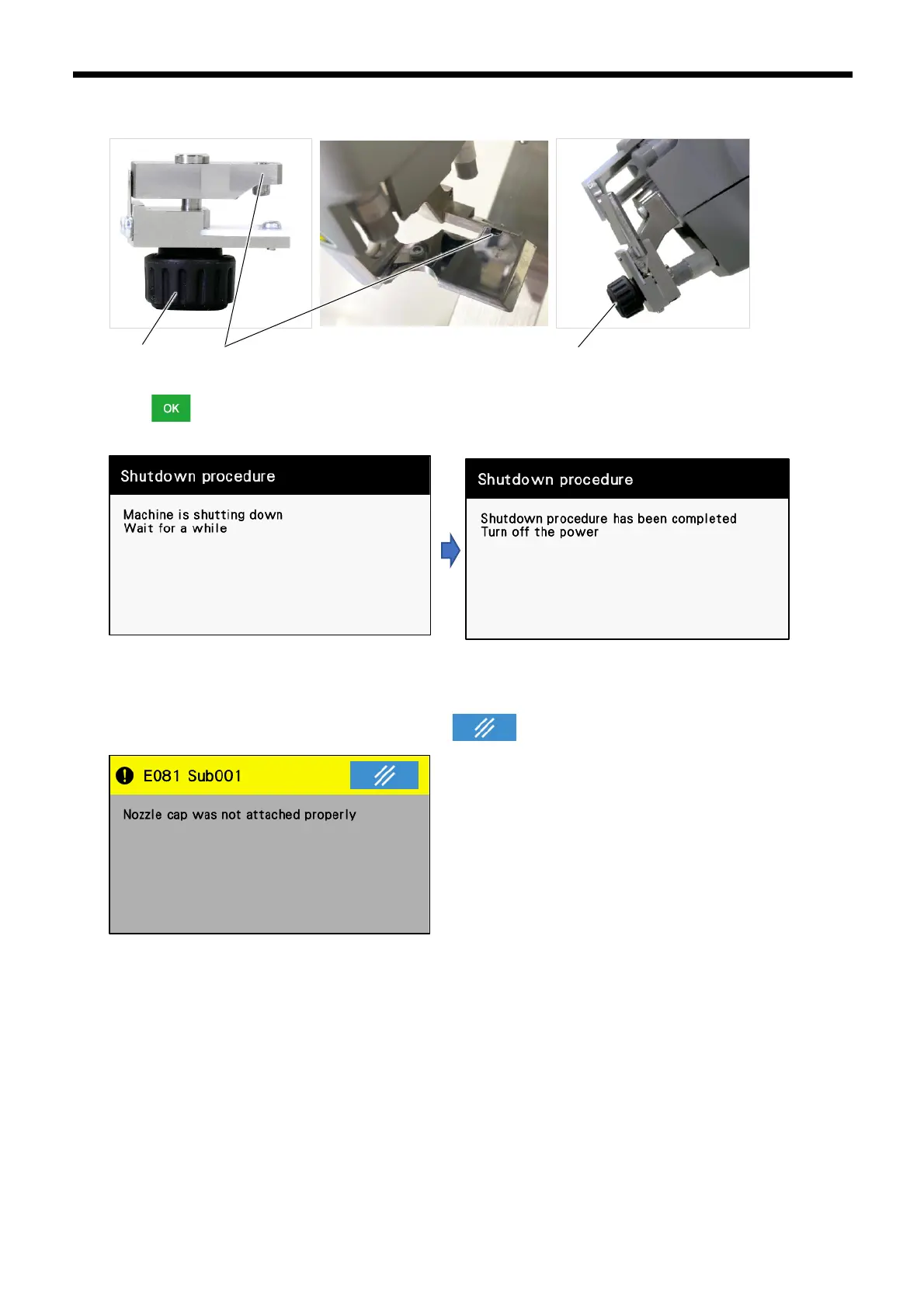
6. Align the projection (4) of the nozzle cap with the hollow in the upper cloth plate, and then attach the nozzle cap, and turn
the knob (3) to tighten it.
7. Touch .Note that if the nozzle is in the up position, it will move at this time.
8. Wait a few seconds for the panel display to change, and then turn off the power switch.
If the following error is displayed, it is possible that the plastic surface of the nozzle cap is not properly covering the
nozzle discharge holes.
Remove the nozzle cap and reattach it, and then touch .



 To Next Page