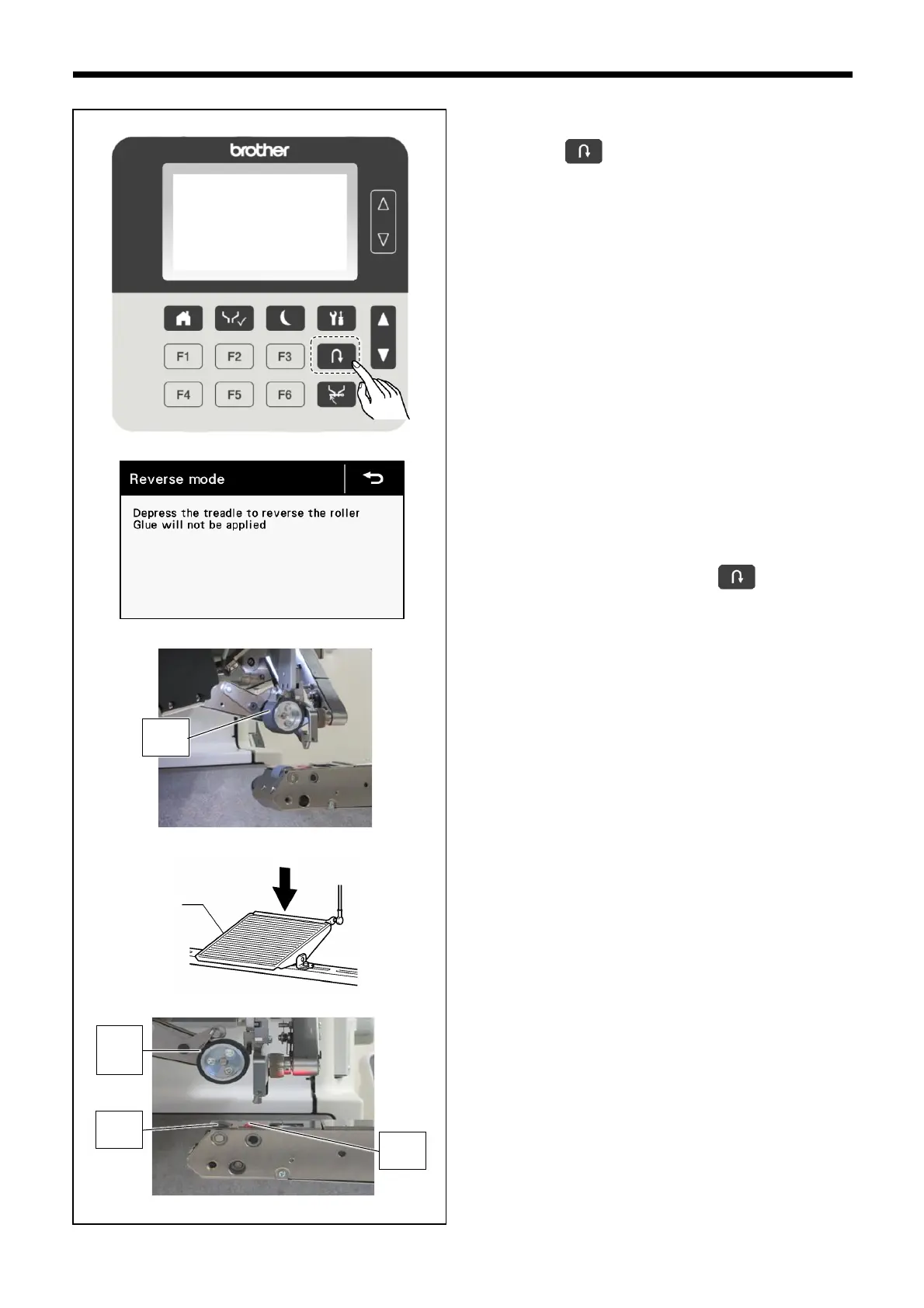
1. Display the home screen.
2. Press the key to raise the upper roller (1).
* The display will switch to reverse mode.
3. Depress the treadle (2) to turn the upper roller (1), lower
roller (3) and nozzle lower roller (4) to positions where the
dirtiness can be checked.
* The direction of rotation will be the reverse of normal
operation.
* No glue will come out after the key has been
pressed, even when the treadle (2) is depressed.



 To Next Page