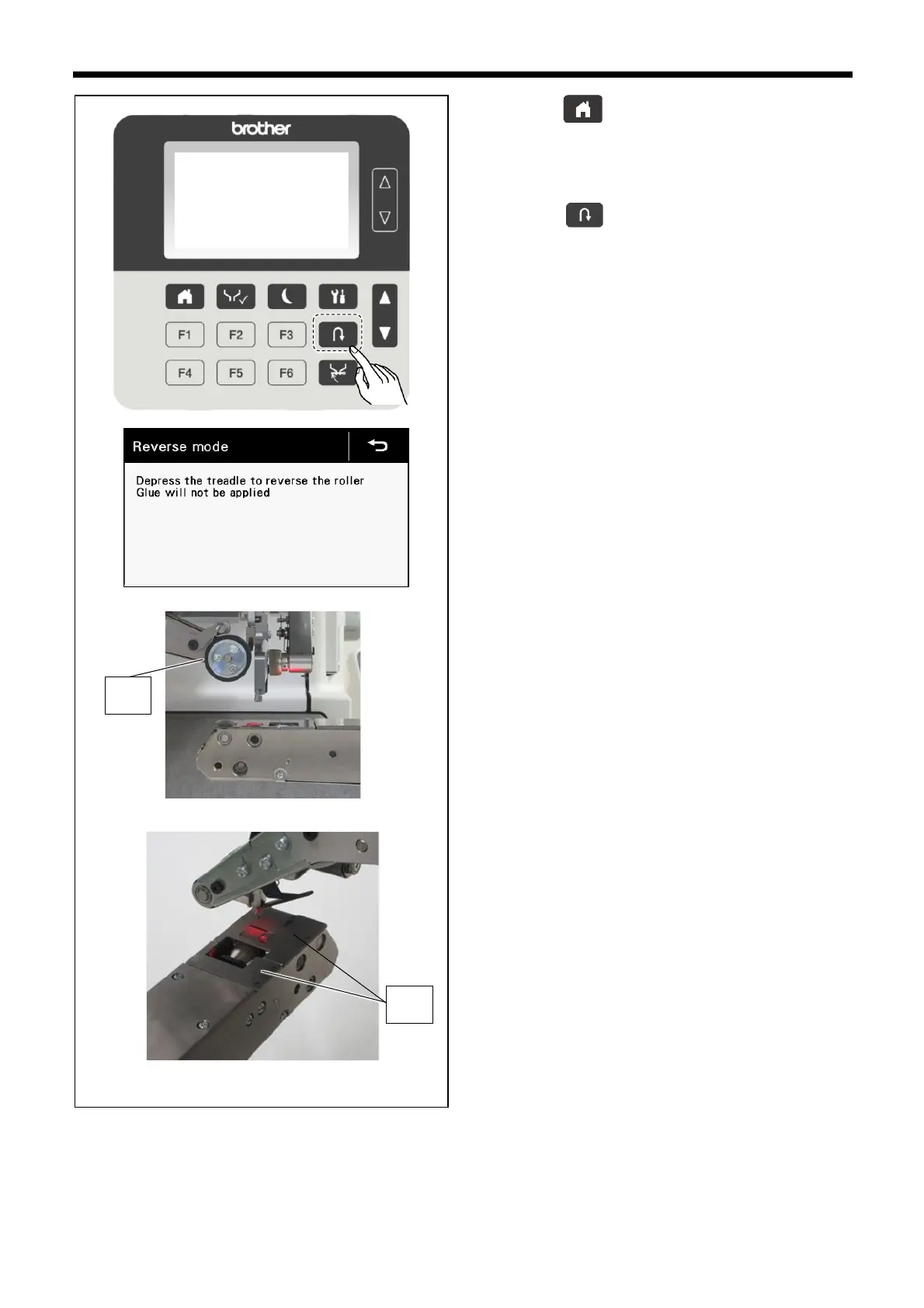
1. Press the key to display the home screen.
2. Press the NOZZLE switch to raise the nozzle.
3. Press the key to raise the upper roller (1) and to
switch the machine to reverse rotation mode.
4. Use a cloth to wipe off any glue, dirt or other foreign
particles which are adhering to the cloth plate (2).
⚫ The cloth plate can be removed easily by lifting it up.
Use a cloth to wipe off any glue, dirt or other foreign
particles which are adhering to the underside of the
cloth plate. After removing the cloth plate to clean it,
re-install it securely in its original position. Align the
pin with the hole in the cloth plate when re-installing.



 To Next Page