EasyManua.ls Logo

Brother BM-2000 - Page 96

Brother BM-2000
118 pages
Print Icon
To Next Page IconTo Next Page
To Previous Page IconTo Previous Page
Loading...
12 STANDARD ADJUSTMENTS
BM-2000
92
5. Press the MODE button to return to the normal display.
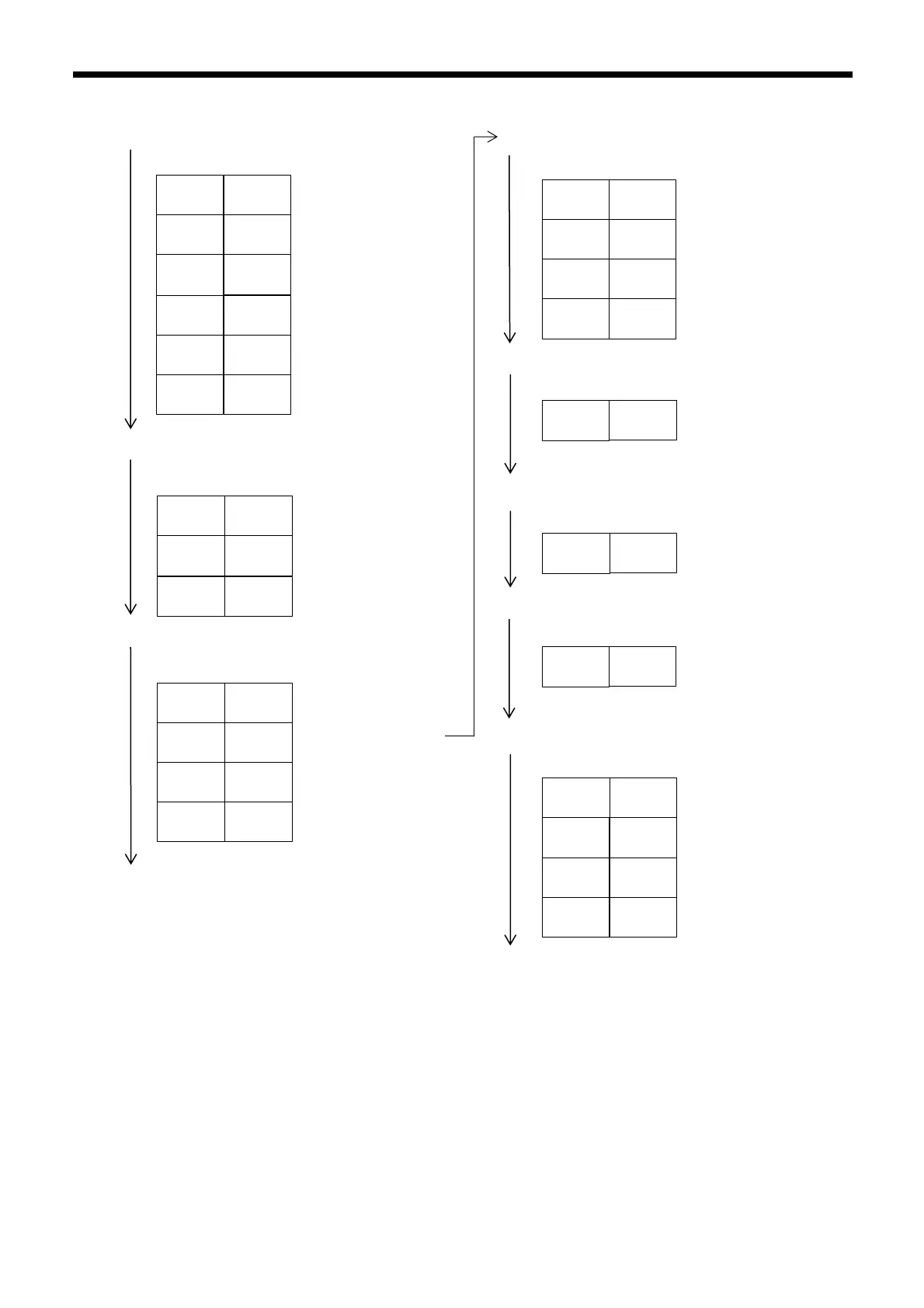
■Basic Setting
Press and hold (MODE) for 3 seconds or more
(◀▶)
HIGH SPEED mode
FINE mode
TURBO mode
SUPER mode
ULTRA mode
MEGA mode
hSP
1234
Fine
1234
turb
1234
SuPr
1234
Ultr
1234
MEGA
1234
Press (MODE) once
(◀▶)
SEt
Std
SEt
SEtP
SEt
0SEt
Normal sensitivity
setting method
Percentage Calibration
Zero-shift calibration
Press (MODE) once
(◀▶)
Settings complete
Go to detection setup
mode
Go to display setup mode
Press (MODE) to return to normal display
End
StG-
Func
StG-
diSP
StG-
SYS
Go to system setup mode
■Detection Settings
Press (MODE) once
(◀▶)
Timer OFF
Off-delay timer
On-delay timer
Press (MODE) once
toFF
----
oFFd
10
on-d
10
Shot
10
One-shot timer
(◀▶)
dEtc
Std
Normal (light intensity)
detection mode
Other mode display of dEtc is omitted
Press (MODE) once
(◀▶)
Att
1234
Light emission
power selection
Press (MODE) once
Only FS-N11MN is displayed
AnLG
4000
Analog scaling
Press (MODE) once
(◀▶)
Settings complete
End
StG-
diSP
StG-
SYS
StG-
Func
Go to display setup mode
Go to system setup mode
Return to original
detection setup mode
Press (MODE) to return to normal display

Table of Contents

Related product manuals