4-6 Sewing Character/Decorative Stitches
1 —
2 —
3 —
4 —
5 —
6 —
7 —
8 —
?
!
9 —
CONTENTS
Index
Alphabetical Characters
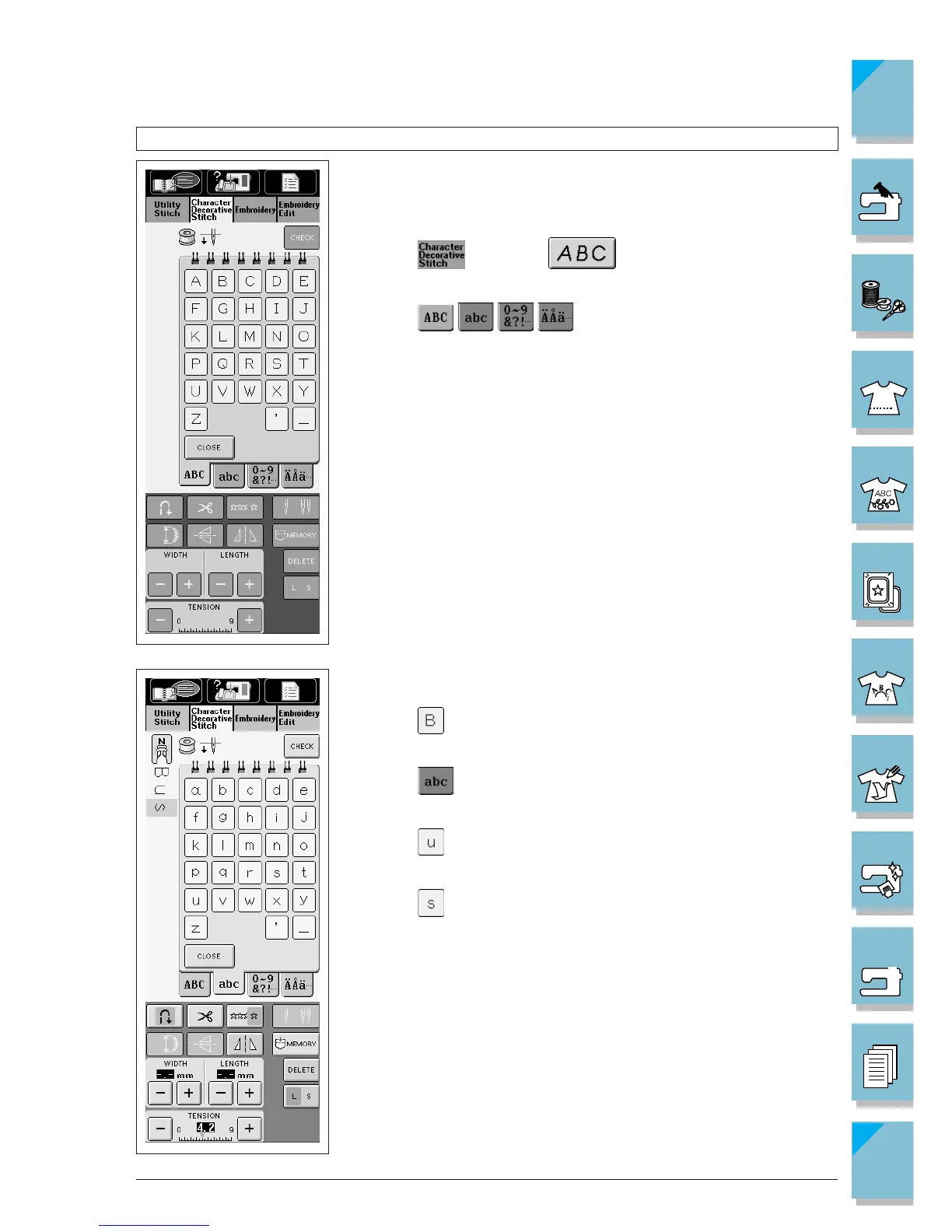
There are three types of fonts for alphabetical character stitches.
The selection process is the same for all three fonts. We are using
the Gothic font in the example below.
1. Press then press to display the screen at left.
2. Press to change the selection screen.
3. Press the keys to select the letters you want to sew.
Example: Enter the word “Bus”
1. Press .
2. Press .
3. Press .
4. Press .














 To Next Page