1-24 Setting Up
1 —
2 —
3 —
4 —
5 —
6 —
7 —
8 —
?
!
9 —
CONTENTS
Index
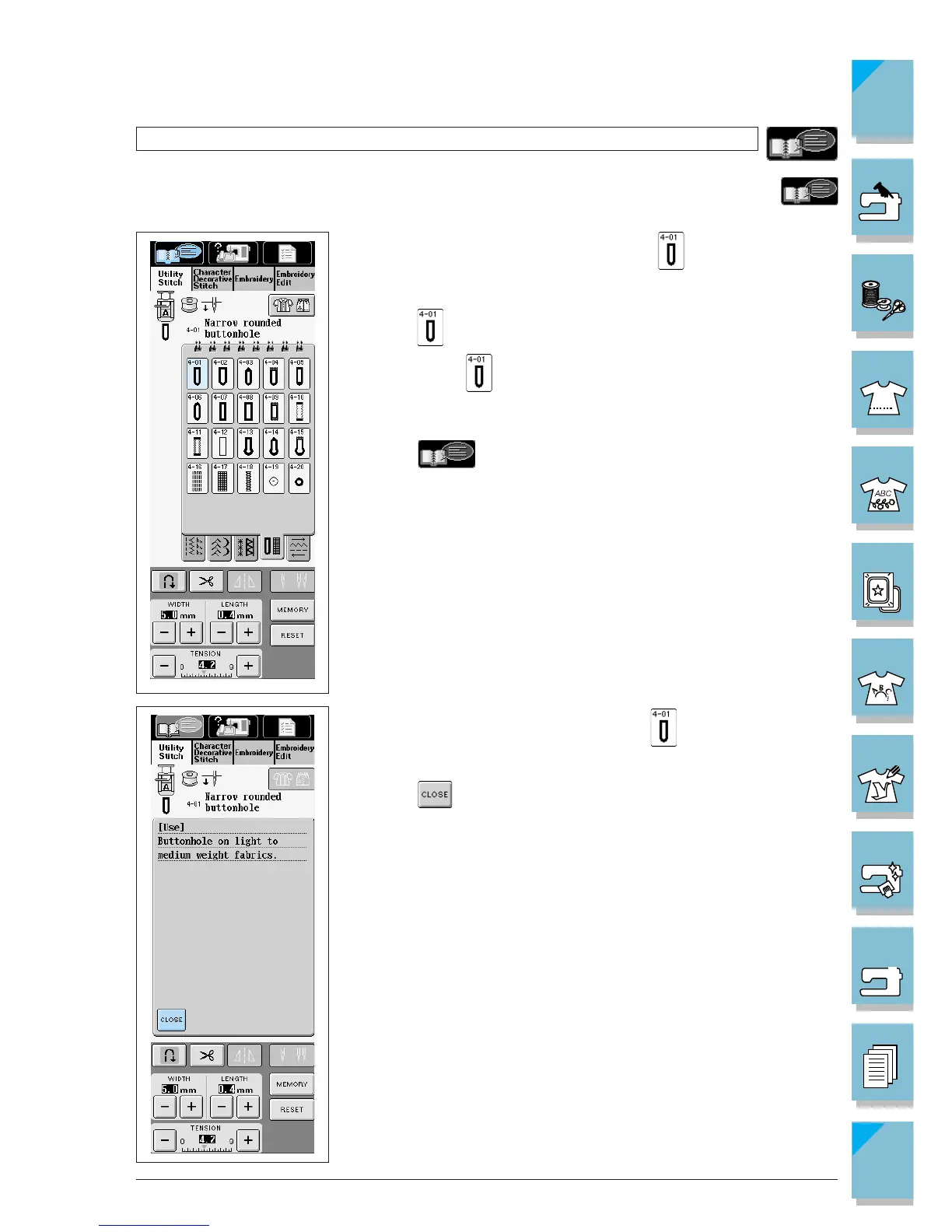
Using the Pattern Explanation Key
Example: Displaying information about
1. Press . (If the currently displayed stitch selection screen does
not include use the screen selection tabs to go to the correct
screen).
2. Press .
If you want to know more about the uses for a stitch pattern, select the pattern and press
to see an explanation of the stitch selection.
3. The screen shows information about .
4. Press to return to the original screen.














 To Next Page