1-42 Setting Up
1 —
2 —
3 —
4 —
5 —
6 —
7 —
8 —
?
!
9 —
CONTENTS
Index
6
1
2
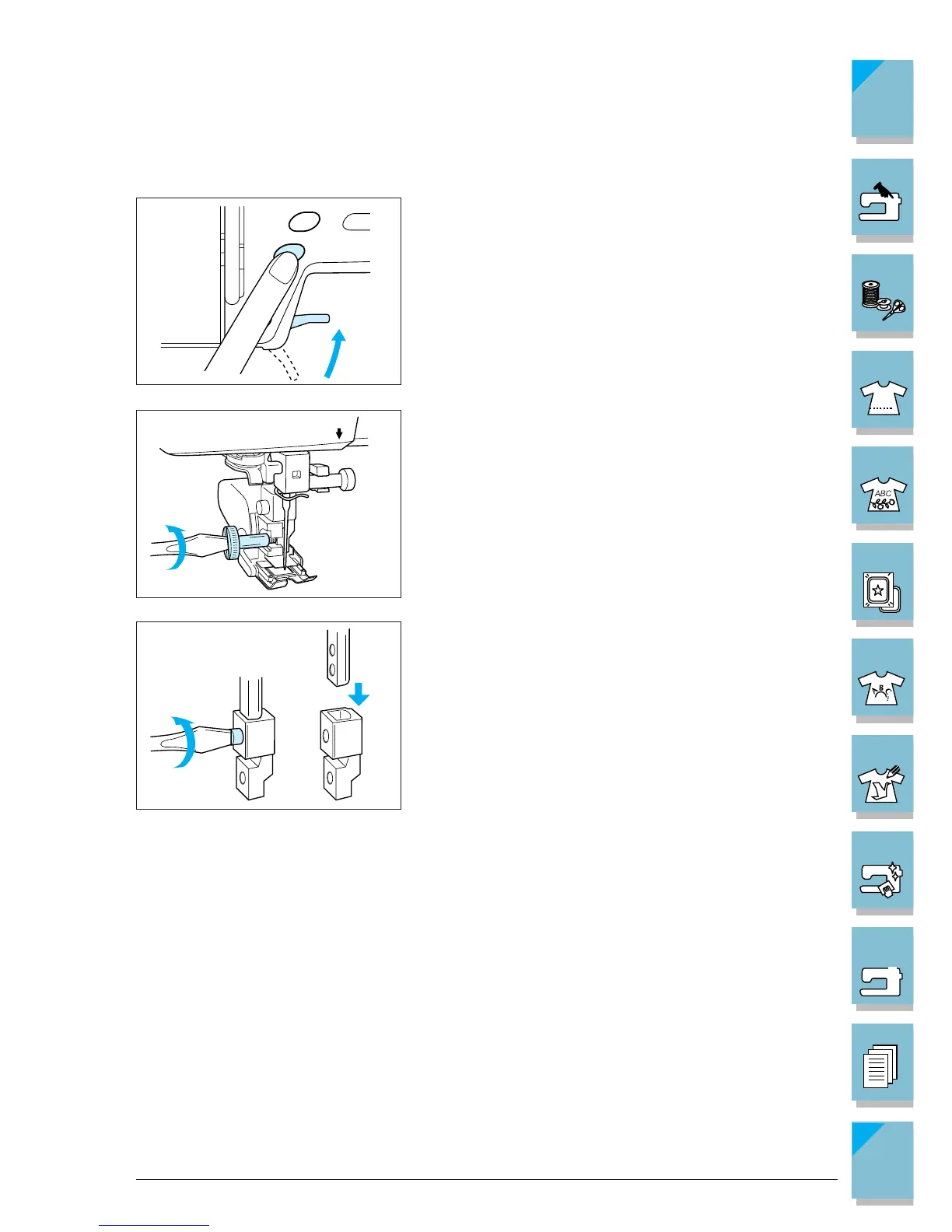
■ Reattaching the Presser Foot Holder
1. Push the “Needle Position” button to raise the needle,
then turn the main power switch to OFF.
2. Raise the presser foot lever.
3. Loosen the screw with the screwdriver, and remove
the walking foot.
4. Remove the low shank adapter.














 To Next Page