Sewing Utility Stitches 3-11
1 —
2 —
3 —
4 —
5 —
6 —
7 —
8 —
?
!
9 —
CONTENTS
Index
▼
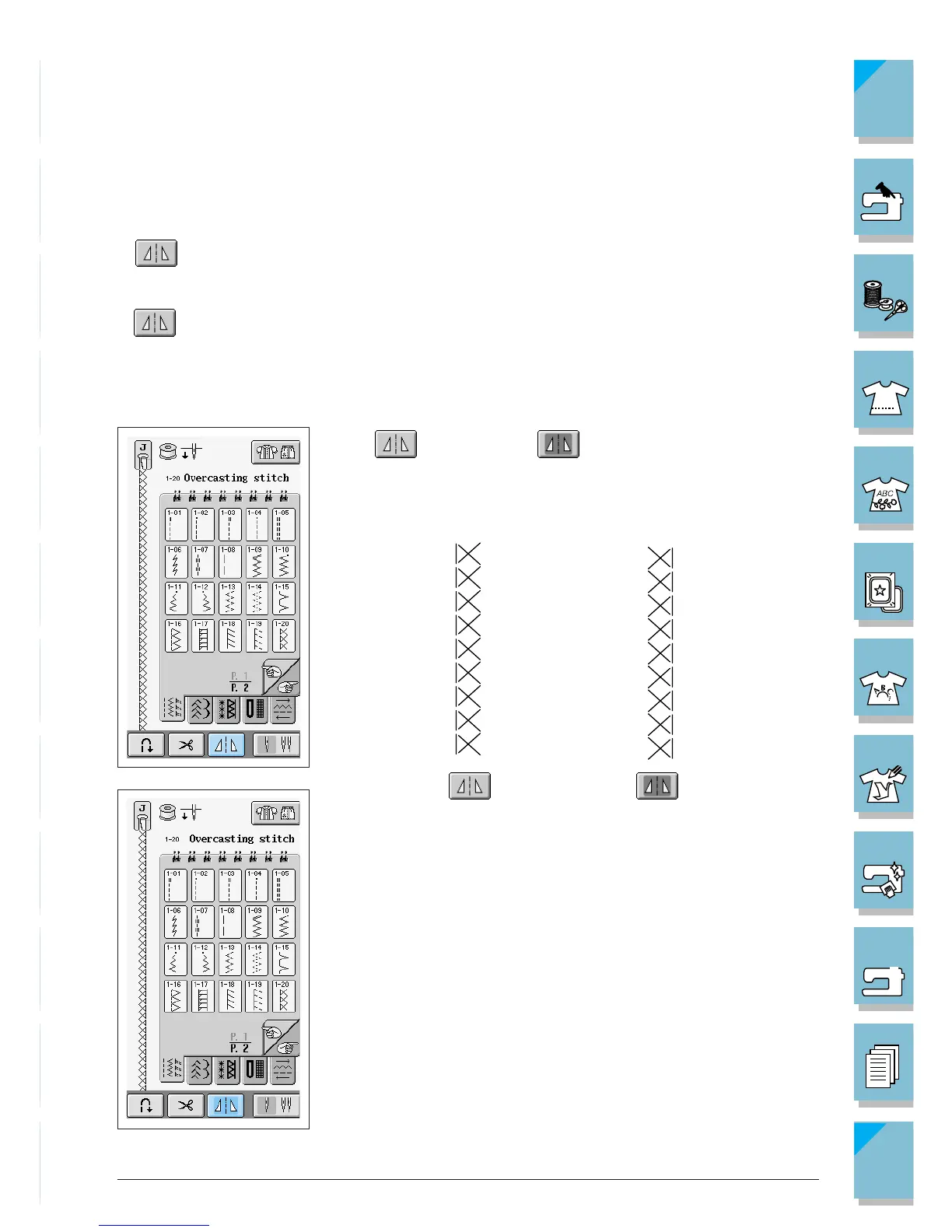
■ Using the Mirror Image Key
Depending on the type of utility stitch you select, you may be able to sew a horizontal mirror
image of the stitch pattern.
If is lit when you select a pattern, it will be possible to make a mirror image of the pattern.
CAUTION
If is light gray after you select a stitch pattern, you can not create a horizontal mirror
image of the selected stitch pattern (this is true of buttonholes, multi-directional sewing, and
others).
Press so it appears as to create a horizontal mirror im-
age of the selected stitch pattern.














 To Next Page