5-8 Embroidery
1 —
2 —
3 —
4 —
5 —
6 —
7 —
8 —
?
!
9 —
CONTENTS
Index
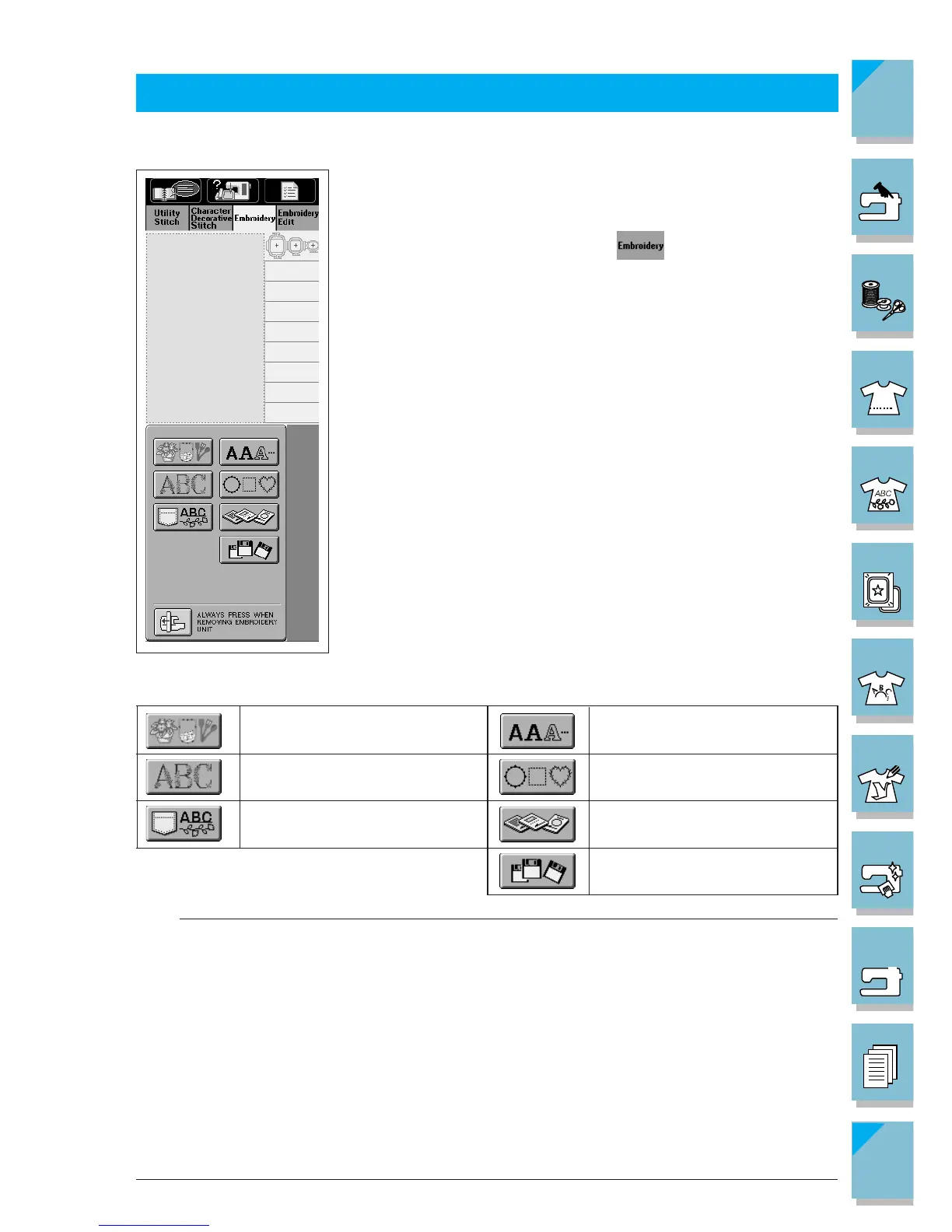
One point patterns
Floral alphabet patterns
Saved patterns
Character patterns
Frame patterns
Embroidery card (sold separately)
Floppy disk
SELECTING PATTERNS
There are many character and decorative embroidery patterns stored in the machine's computer
memory. You can also use patterns from the embroidery cards (sold separately).
Once the machine has finished the initialization and the carriage
has moved to the start position, the pattern type selection screen
will display.
If another screen is displayed, press to display the screen at
left.
Note
If your machine did not come furnished with a built-in floppy disk drive, you can receive an
upgrade service for your machine, so that it can use floppy disks at your authorized dealer.














 To Next Page