5-46 Embroidery
1 —
2 —
3 —
4 —
5 —
6 —
7 —
8 —
?
!
9 —
CONTENTS
Index
1
0° 90°
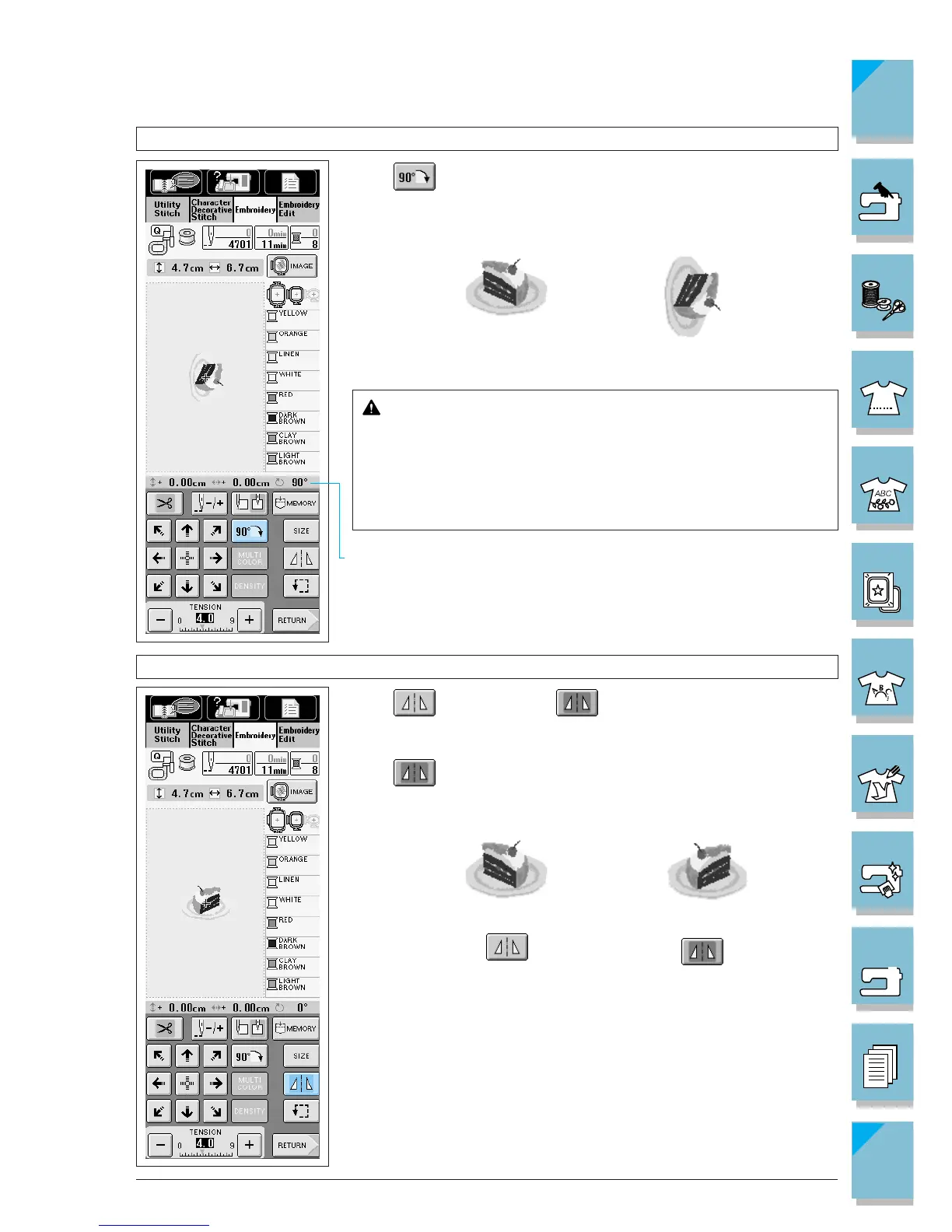
Rotating the Pattern
Press to rotate the pattern 90 deg.
1 Shows the degree of the pattern's rotation.
CAUTION
When you have rotated the pattern, check the display of
available embroidery frames and use an appropriate frame.
If you use an embroidery frame not displayed as available
for use, the presser foot may strike the frame and cause
injury.
Creating a Horizontal Mirror Image
Press so it appears as to create a horizontal mirror im-
age of the selected pattern.
Press again to return the pattern to normal.














 To Next Page