Embroidery 5-15
1 —
2 —
3 —
4 —
5 —
6 —
7 —
8 —
?
!
9 —
CONTENTS
Index
Frame Patterns
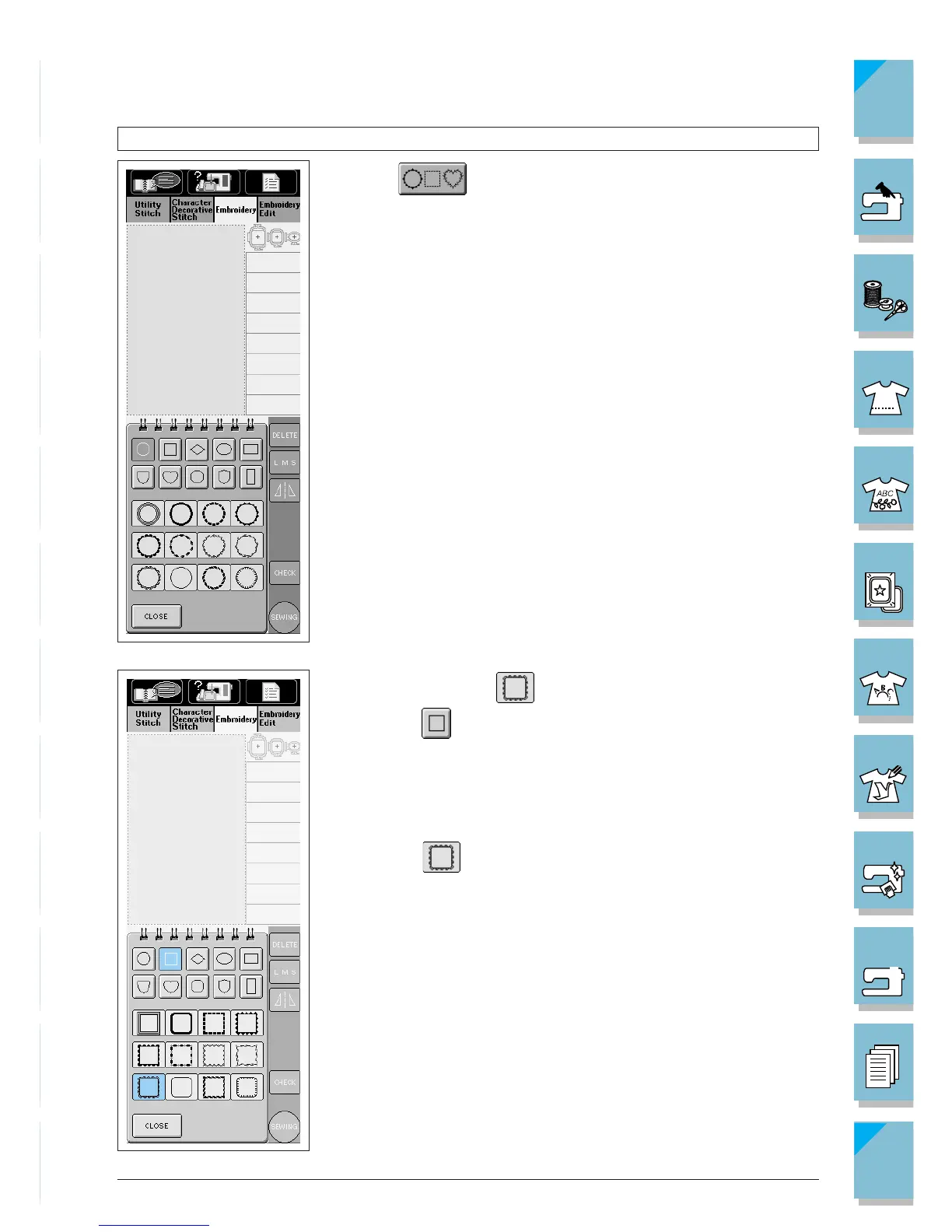
1. Press to open the screen at left.
2. Press the key of the frame pattern shape you want to sew in the
top part of the screen.
3. Various frame patterns display on the bottom part of the screen.
4. In the bottom part of the screen, press the key of the frame you
want to sew.
Example: Selecting
1 Press to choose the frame’s shape. The lower display will
show various square frames.
* If you make a mistake selecting the pattern, press the key of the
pattern you want to sew.
2 Press to select the frame.














 To Next Page