5-16 Embroidery
1 —
2 —
3 —
4 —
5 —
6 —
7 —
8 —
?
!
9 —
CONTENTS
Index
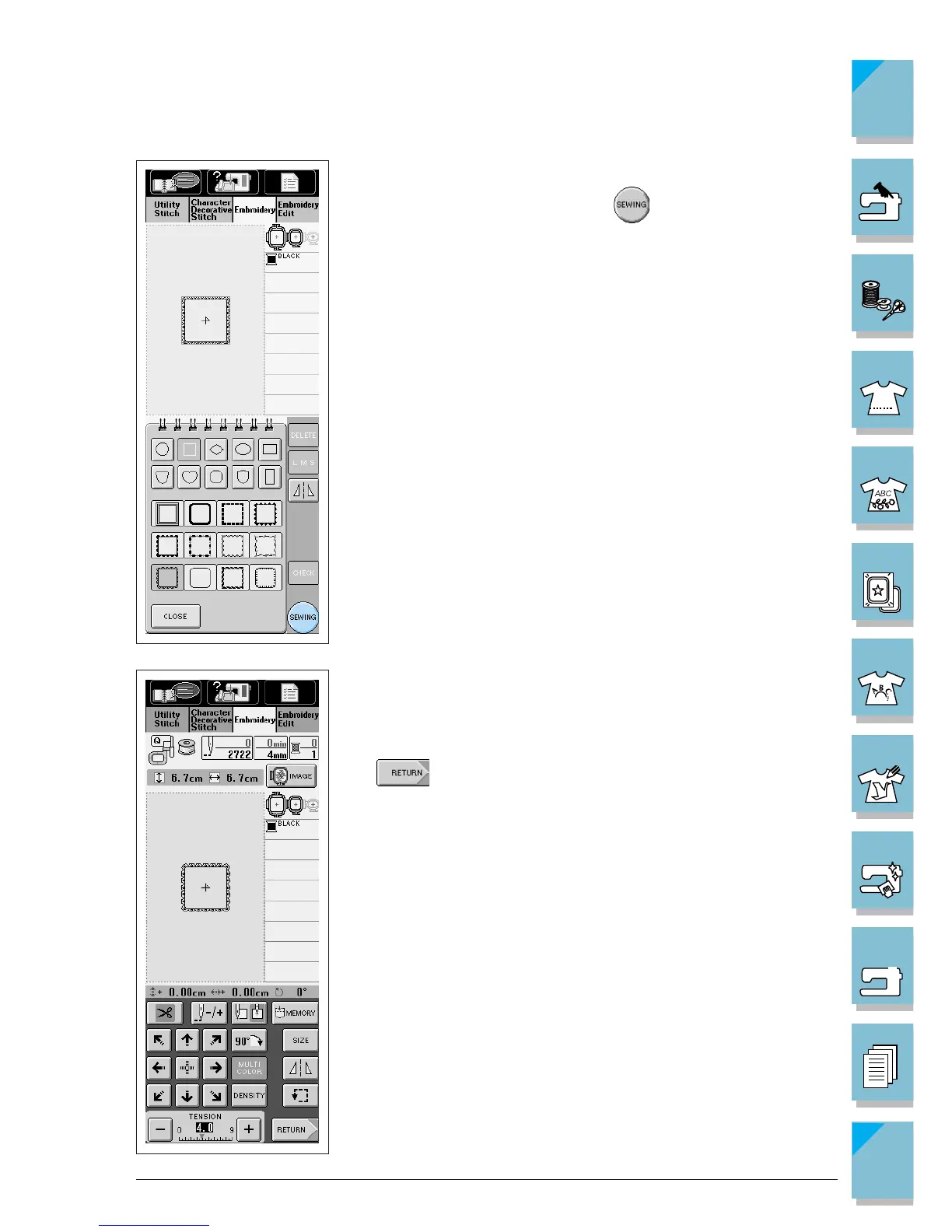
5. The selected pattern is displayed on the screen.
6. After selecting the pattern, press .
7. The sewing screen is displayed.
* To go to the next step, see page 5-19, “Viewing the Sewing
Screen.”
* To return to the previous screen to select another pattern, press
.














 To Next Page