Setting Up 1-7
1 —
2 —
3 —
4 —
5 —
6 —
7 —
8 —
?
!
9 —
CONTENTS
Index
1
2
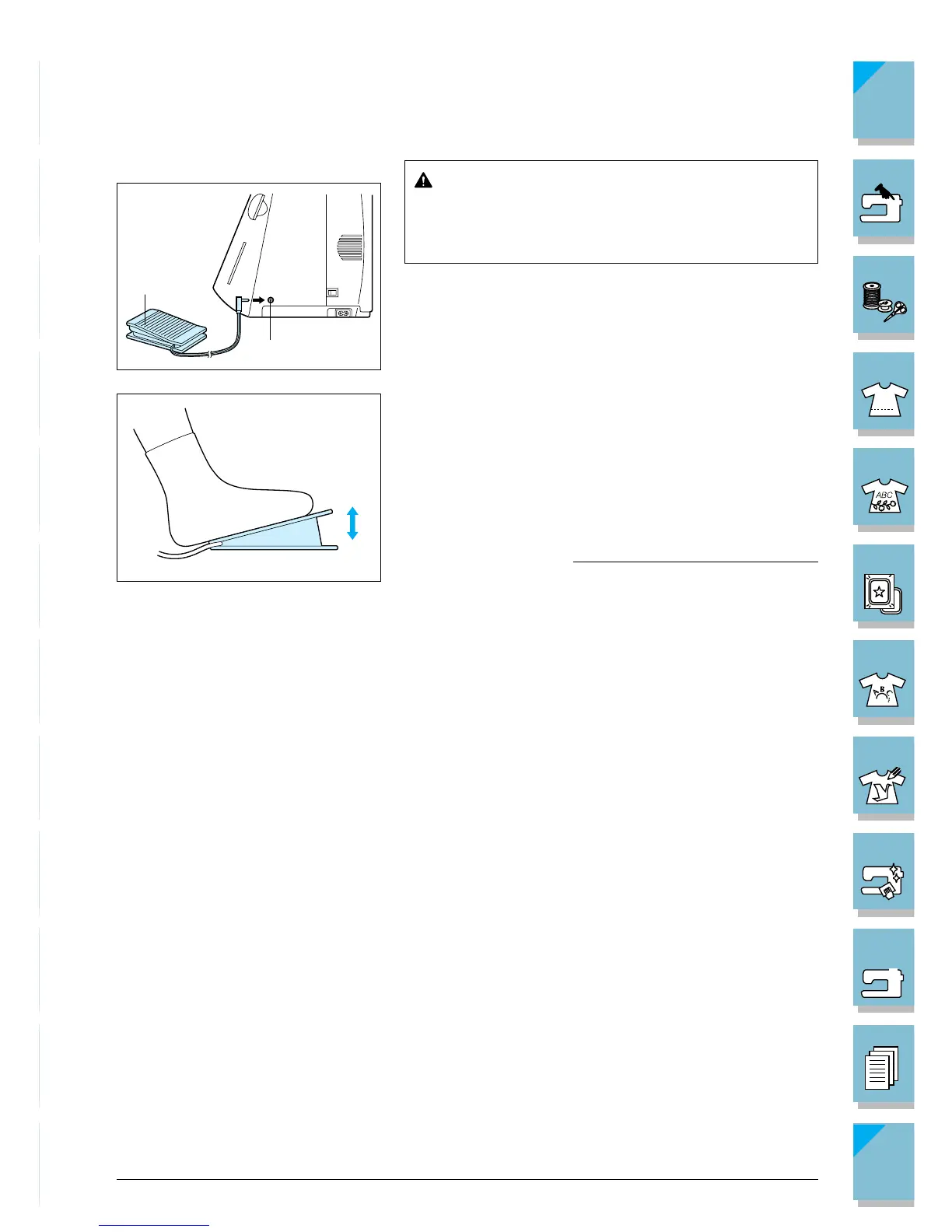
■ Foot Controller
CAUTION
Do not allow fabric pieces and dust to collect in
the foot controller. Doing so could cause a fire or
an electric shock.
1. With the machine turned off, insert the foot controller
plug into its jack on the machine.
1 Foot controller
2 Foot controller jack
2. Switch on the machine, then slowly depress the foot
controller to start sewing.
* The speed set using the sewing speed controller is the
foot controller’s maximum sewing speed.
3. Release the foot controller to stop this machine.
* When the foot controller is being used, the “Start/Stop”
button has no effect on the sewing.
Note (For U.S.A. only)
Foot controller: Model P
This foot controller can be used on this machine model
ULT2001/ULT2002D.














 To Next Page