5-26 Embroidery
1 —
2 —
3 —
4 —
5 —
6 —
7 —
8 —
?
!
9 —
CONTENTS
Index
1
➜
DETERMINING THE PATTERN POSITION
Changing the Pattern Position
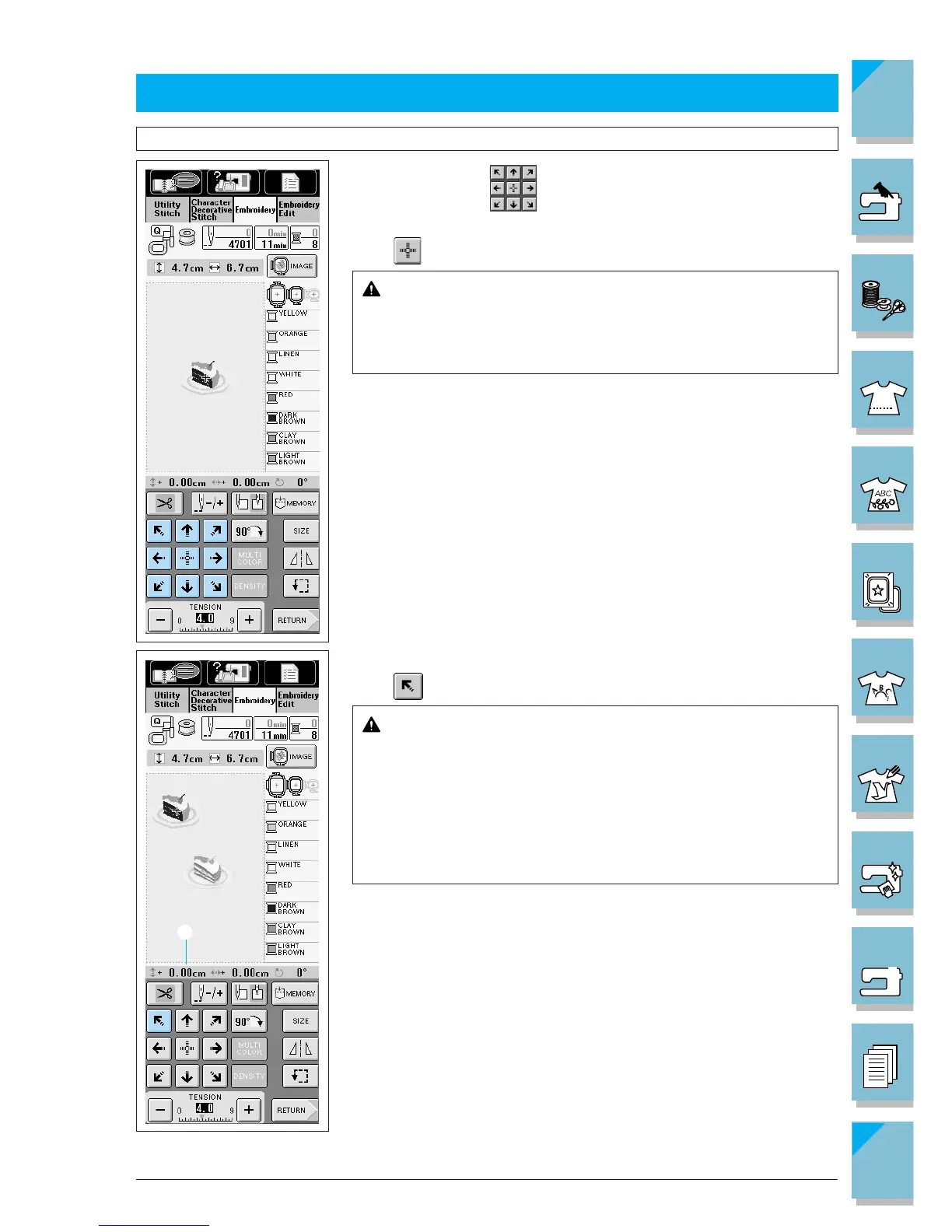
Use the arrow keys to move the pattern in the direction shown
by the arrow.
Press to center the pattern.
CAUTION
Make sure the needle is up when the embroidery frame is
moving. If the needle is down, it could break and result in
injury.
Example : Moving the pattern to the upper left
Press .
CAUTION
Moving the position of a pattern may affect which embroi-
dery frames can be used to sew the pattern (the pattern
may be moved outside the embroidery area of the frame).
Always check the display to make sure which frames can be
used before sewing the pattern. If you use a frame that is
too small, the needle may strike the frame and break, re-
sulting in injury.
1 Shows how far the pattern has moved from center.














 To Next Page