Getting Ready to Sew 2-9
1 —
2 —
3 —
4 —
5 —
6 —
7 —
8 —
?
!
9 —
CONTENTS
Index
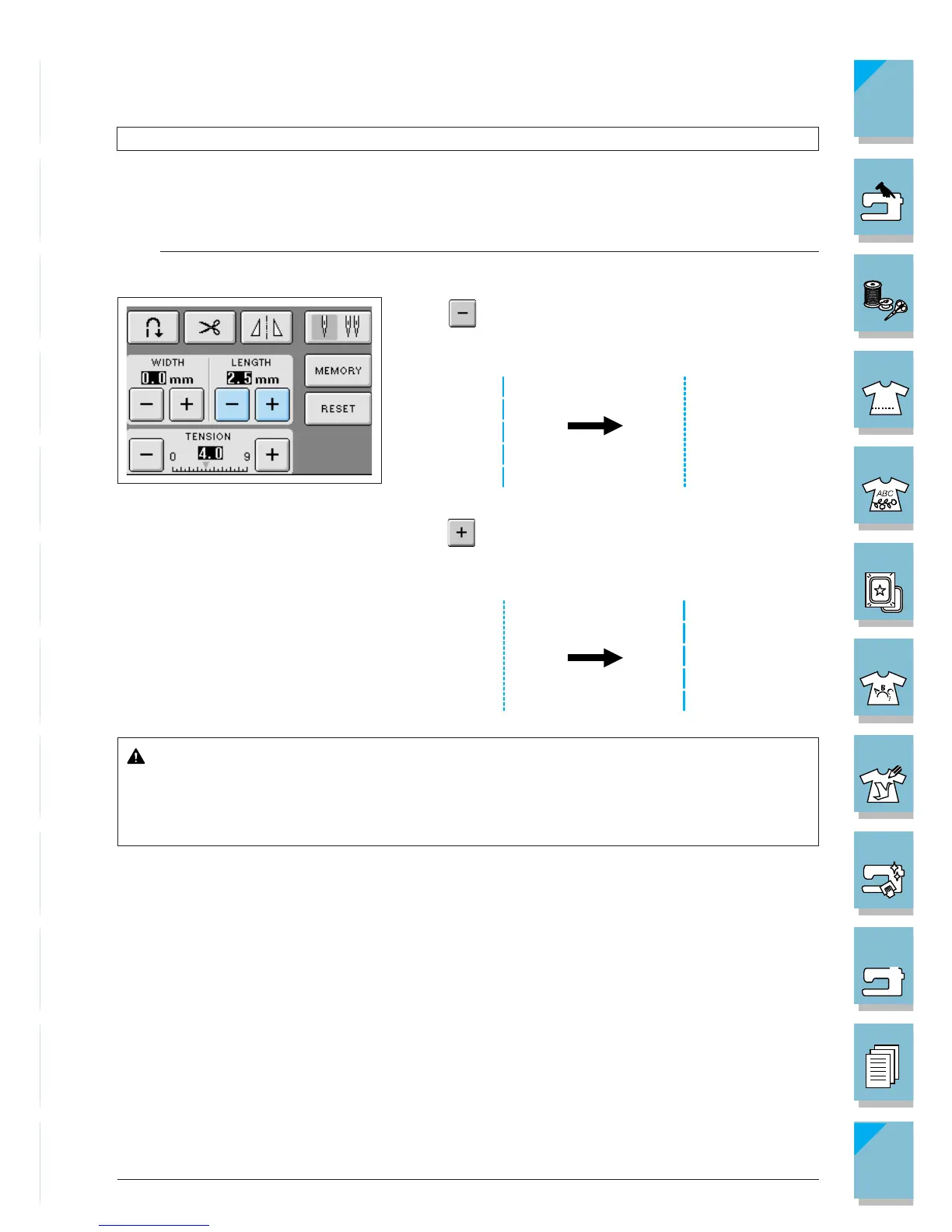
Setting the Stitch Length
Your machine automatically sets the stitch length when you select a stitch. However, there may be
times when you want to change the stitch length. With this machine, you can change the length of
each individual stitch in a seam.
Note
It is not possible to change the length of some stitches (see page 2-10 for reference).
Press to shorten the stitch length. The value in the
display gets smaller.
Press to lengthen the stitch length. The value in the
display gets bigger.
CAUTION
If the stitches get bunched together, lengthen the stitch length and continue sewing. Do
not continue sewing without lengthening the stitch length, otherwise the needle may
break and cause injury.














 To Next Page